
Why Does Hot Weather Wreck CartCraft Golf Cart Batteries?
Summer heat is a silent killer for lead-acid and lithium-ion batteries in CartCraft golf carts. When temperatures climb above 30°C, internal chemical reactions accelerate, causing water loss, sulphation, and permanent capacity fade. For CartCraft owners in the UK—especially those storing carts in non-insulated garages or direct sun—battery lifespan can drop from five years to just two without proper maintenance. This article covers six critical care steps to keep your CartCraft electric or gas cart charging reliably through heatwaves.
Neglecting thermal management can lead to swollen cases, cracked terminals, or even thermal runaway in lithium packs. Whether you run a programmed Hall-effect accelerator for better throttle response or stock six 8V batteries, the principles remain the same: keep them cool, clean, and correctly charged.
How Often Should I Check Water Levels in Hot Weather?
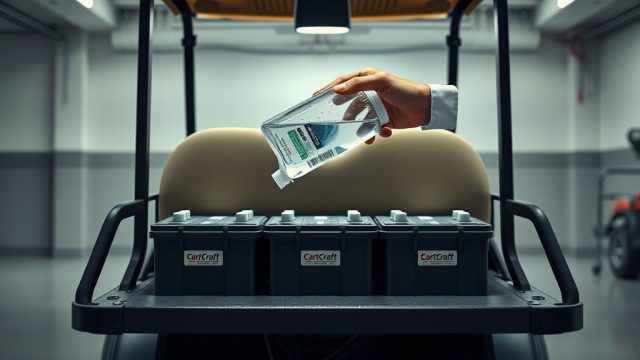
Flooded lead-acid batteries lose water faster when ambient temperatures exceed 25°C. During a heatwave, check distilled water levels weekly—not monthly. The electrolyte evaporates through vent caps, exposing plates to air oxidation that causes permanent damage.
Only use distilled or deionised water; tap water introduces minerals that accelerate sulphation. Fill each cell to just below the indicator ring (about 1/4 inch above the plates). Never overfill—electrolyte expansion during charging can overflow and create corrosive messes on terminals and battery trays.
For sealed AGM or gel batteries, check the charge indicator light and terminal voltage. If the case feels hot above 45°C, move the cart to shade and let it cool before charging. Some owners install a small 12V fan in the battery compartment to improve airflow—a cheap upgrade that pays dividends.
What’s the Best Charging Routine for Hot Days?
Never charge a hot battery. After a long drive in summer heat, let the cart rest for at least 30–60 minutes before plugging in. Charging generates its own heat—combining that with ambient heat pushes batteries into the danger zone (above 50°C internal temperature).
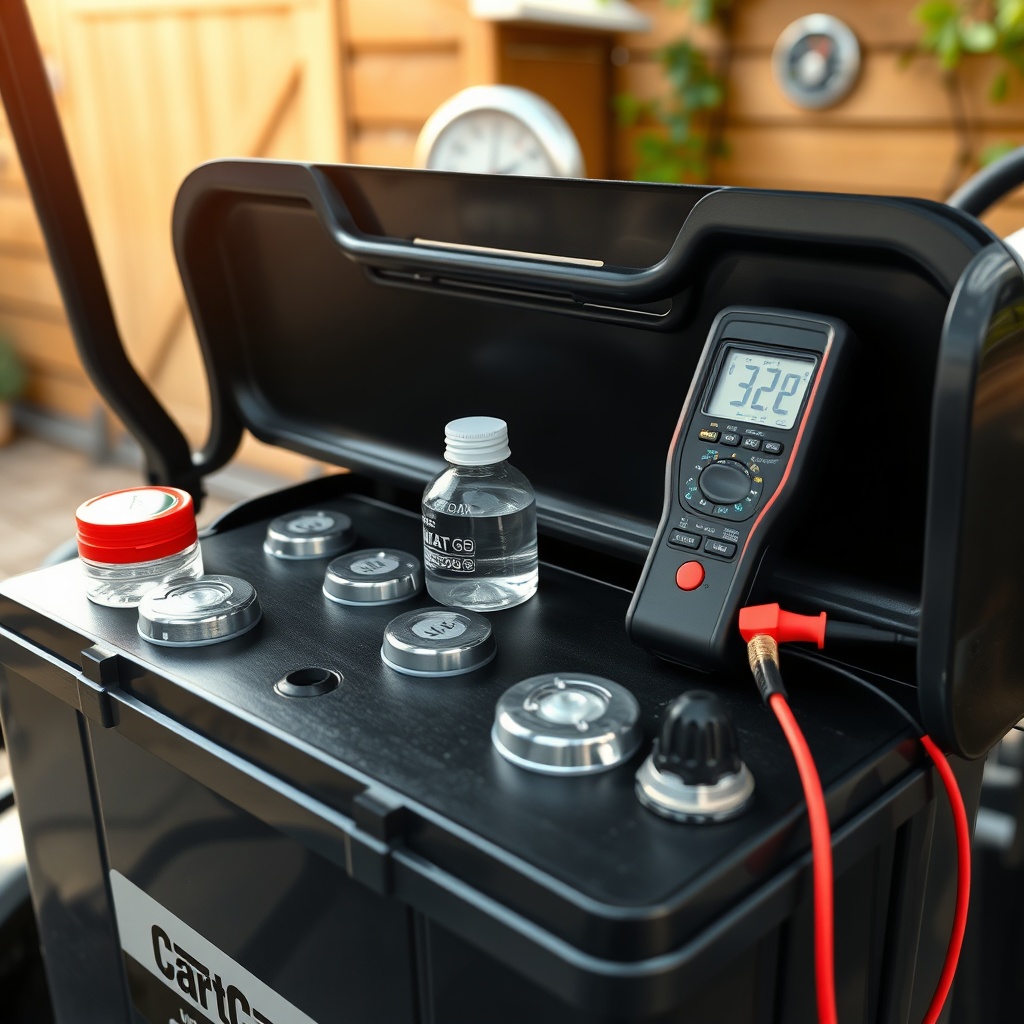
Use a smart charger designed for CartCraft systems. Automatic temperature compensation reduces charge voltage when the battery is warm, preventing overcharging and gassing. Avoid cheap “universal” chargers; they lack the thermal sensors needed to protect your battery pack.
If you have a lithium conversion, the Battery Management System (BMS) usually stops charging above 55°C. However, prolonged exposure to high heat still degrades internal resistance. Consider a timer to charge during the coolest part of the night, such as 2 AM to 4 AM. A good practice is to keep charge cycles under 100%—charge to 80–90% if you know you’ll drive within 24 hours.
Should I Insulate the Battery Compartment?
Yes, but carefully. Reflective bubble-foil insulation (like car windscreen sunshade material) applied to the underside of the seat and around the battery box reduces radiant heat from the fibre glass body. Leave gaps at the bottom for drainage and airflow—stagnant heat is worse than external heat.
Do NOT cover the batteries themselves with insulation; it traps heat from charging and prevents natural cooling. Instead, use a battery thermal blanket only if temperatures drop below freezing in winter—in summer, remove it. For UK carts stored in non-insulated garages, painting the roof white or installing a vented lid can drop compartment temperature by 5–8°C.
Consider a small marine bilge fan wired to a thermostatic switch that activates when interior temperature exceeds 35°C. This is a $25–£20 DIY fix that paid for itself in battery life within one season.
How Does Hot Weather Affect CartCraft Brake Systems and Batteries Together?
Hot weather doesn’t just harm batteries; it can impact brake fluid viscosity and pedal feel. If you’ve upgraded to performance brakes from our CartCraft Golf Cart Brake System Upgrade Guide, higher ambient heat can cause brake fade on steep hills—especially if you over-rely on regenerative braking, which adds current back to the battery and increases heat in the motor controller.
For owners who installed a disc brake conversion kit, ensure brake fluid is DOT 4 or higher with a wet boiling point above 180°C. Hydraulic brake fluid absorbs moisture, which lowers boiling point in humidity. Flush fluid every two years regardless of mileage—heat accelerates moisture ingress.
Correlation: a hot battery that cannot accept full regenerative charge forces the controller to bleed excess energy as heat in the motor and brake resistors. This can confuse the brake pedal adjustment if the pedal feel changes due to temperature-related resistance. Always keep terminals clean and torqued to manufacturer specs to avoid voltage drop that misleads the controller.
| Ambient Temp (°C) | Water Loss Rate | Expected Capacity Fade per Month | Recommended Action |
|---|---|---|---|
| 15–25 | Normal (1mm/week) | <1% | Standard monthly check |
| 26–30 | Elevated (3mm/week) | 1–2% | Weekly water check, shade storage |
| 31–35 | High (5mm/week) | 2–4% | Daily water check, avoid full charge |
| 36–40 | Critical (8mm+/week) | 5–8% | Replace with thermal-protected pack |
What Cleaning and Terminal Care Works Best?
Heat accelerates corrosion. White/green powdery deposits on terminals increase electrical resistance, which generates more heat and further voltage drop. Clean terminals every 30 days during summer using a solution of baking soda and water (1 tablespoon per 500ml). Rinse with distilled water and dry thoroughly.
Apply a thin coat of dielectric grease on posts and connectors after cleaning. This does NOT conduct electricity but seals out moisture and oxygen. Torque terminals to 50–60 inch-pounds (don’t overtighten; lithium terminals are especially soft).
Inspect battery cables for cracked insulation—heat stress makes PVC brittle. Replace any cable that feels stiff or shows exposed copper. For carts with upgraded audio from our How to Install a Marine-Grade Stereo on a CartCraft Golf Cart, ensure amplifier power wires have proper fuse holders near the battery to prevent fire risk from melted insulation.
What Owners Say
“I lost a $700 battery set in one summer because I never opened the compartment. After reading about water loss, I started weekly checks and installed a little fan. My next set has lasted three Julys now.” — Dave, CartCraft Club Car owner, Norfolk
“I switched to lithium last year after my lead-acid kept dying. Even in 35°C heat, the BMS keeps it safe. But I still avoid charging right after a long drive.” — Sarah, CartCraft Yamaha owner, Kent
“I had strange braking issues until I realised my overheating battery was messing with the controller’s regen logic. After re-reading the differential fluid change and noise troubleshooting page, I also noticed diff fluid thinned out—likely helped by the heat. Changed both diff oil and flushed brake fluid—night and day difference.” — Lewis, CartCraft EZGO owner, Essex
“Simple tip: I put a wireless temperature probe in my battery box connected to my phone. When it hits 40°C, I get a push notification. Has saved my batteries twice during record heat.” — Mike, CartCraft custom builder, Dorset
Frequently Asked Questions
Can I use a car battery charger on my CartCraft golf cart in summer?
No. Car chargers have higher voltage settings and lack temperature compensation for deep-cycle batteries. Using one can overcharge and boil the electrolyte. Always use a charger rated for golf cart or deep-cycle applications, preferably with automatic thermal control.
Does hot weather affect lithium batteries differently than lead-acid?
Yes. Lithium batteries have better cycle life at normal temps but are more sensitive to extreme heat above 45°C. Their BMS will cut off charging above 55°C, but repeated near-cutoff still causes permanent internal resistance rise. Lead-acid loses capacity progressively; lithium can fail suddenly if a cell overheats internally.
How do I know if my battery is damaged from heat?
Check for bulging case sides, cracked seals, excessive gassing (even when not charging), dark electrolyte (should be clear), or a drop in open-circuit voltage of more than 0.2V per cell compared to spec. If voltage sags below 6.0V per 6V battery under light load, it’s degraded.
Should I remove batteries from the cart during winter storage?
Only if you store the cart outside in below-freezing temperature and don’t have a maintainer. For UK conditions, a trickle charger with temperature compensation works fine. Never store fully discharged; charge to 50–70% and check voltage monthly.
Can I pressure-wash my CartCraft battery compartment in summer?
Never. Water and battery acid don’t mix. Pressure can force water into vent caps and create short circuits or corrosion. Use a damp cloth with baking soda solution, then dry thoroughly. If you need to deep clean, remove batteries first and dry all components.
What is the ideal storage temperature for CartCraft batteries?
15°C to 25°C is optimal. Above 35°C, self-discharge rate doubles—if left unused for two weeks, battery voltage can drop to 12.0V, causing sulphation. Store in a ventilated, shaded area and top up charge every 30 days during heatwaves.