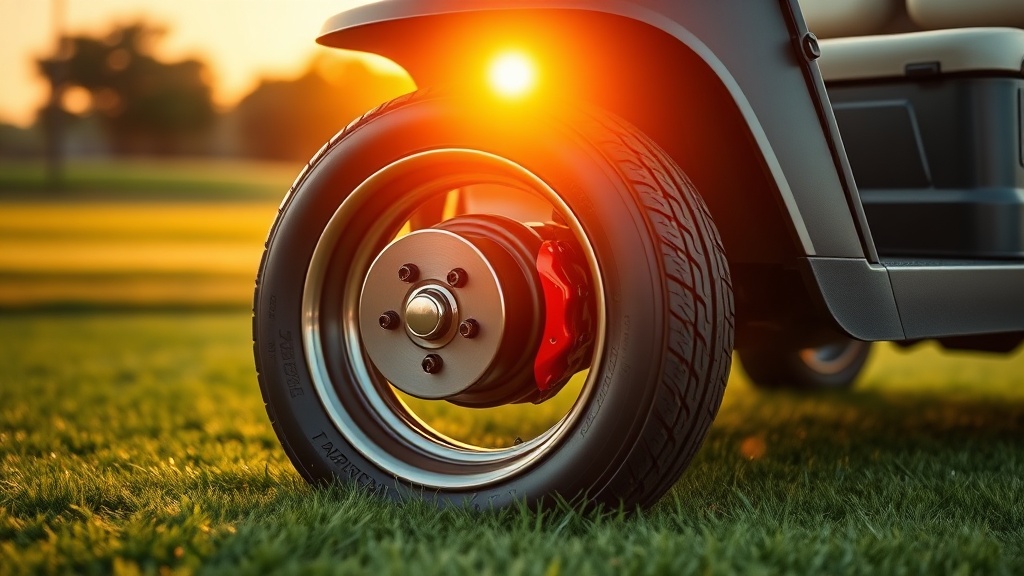
When it comes to keeping your CartCraft golf cart safe and responsive on the course or the street, few upgrades matter more than the braking system. Worn pads and warped rotors don’t just reduce stopping power—they compromise your control, especially on hilly terrain or at higher speeds after a motor upgrade. In this guide, we walk through the essential performance brake pads and rotors for your CartCraft, covering everything from material choices to installation tips that ensure reliable, fade-free braking.
Why Upgrade the Brake System on Your CartCraft Golf Cart?
Standard OEM brake pads on older or entry-level CartCraft models often use organic compounds that wear quickly and generate significant dust. When you add a lift kit, larger tyres, or a higher-speed controller—common upgrades covered in our CartCraft Golf Cart No Start: Troubleshooting the Most Common Causes guide—the stock brakes may struggle to shed heat. Performance brake pads and drilled or slotted rotors increase bite, reduce fade, and improve modulation. For owners who drive their CartCraft on public roads or steep fairways, this upgrade is a direct safety improvement.
What Performance Brake Pads Work Best for CartCraft Models?
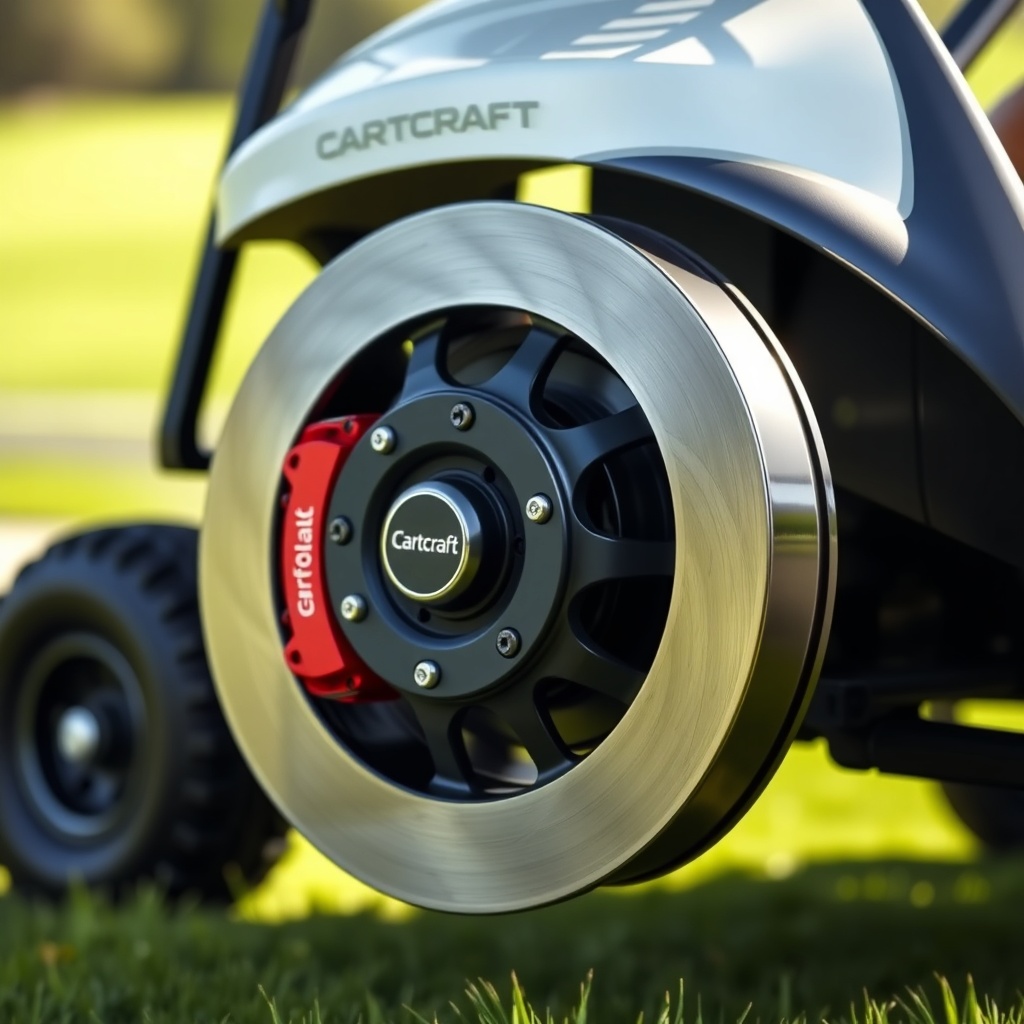
For most CartCraft models (EZGO-based or Yamaha-based chassis), the best upgrade path is a semi-metallic or carbon-ceramic compound pad designed for lightweight vehicles. Semi-metallic pads offer high friction coefficient even when cold, making them ideal for immediate stopping power. Carbon-ceramic pads run quieter and produce less dust but cost roughly £30–£50 more per set. Avoid pure metallic race pads on a standard CartCraft—they can be too aggressive for the drum or disc setup and may cause rotor scoring.
Recommended pad options:
- EBC Double-H Sintered (semi-metallic): £42–£55 per axle set, excellent bite, moderate dust.
- Power Stop Z23 Carbon-Fiber Ceramic: £58–£72 per set, low dust, quiet operation.
- OEM+ ceramic (CartCraft branded): £35–£45, direct fit for 2018+ models.
Before buying, verify your CartCraft’s brake type (disc vs. drum). Most 2010 and newer CartCraft models use front disc brakes; older ones may have four-wheel drums. Our CartCraft Golf Cart Brake Upgrade Kit Installation: Performance Brake Pads and Rotors article walks through the exact pad selection per year.
Drilled vs. Slotted Rotors: Which Is Safer for Your CartCraft?
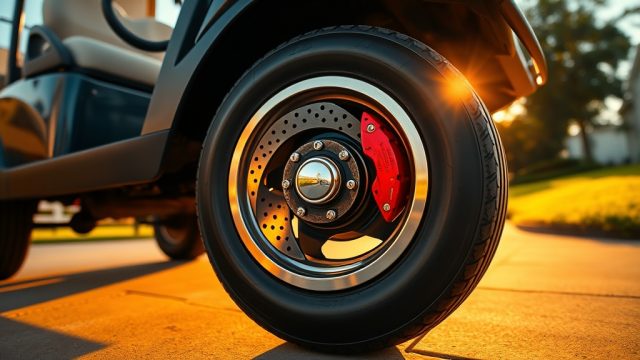
Rotors are often overlooked in golf cart brake upgrades, but they play a huge role in heat dissipation. Drilled rotors look aggressive and shed water quickly, but on lightweight carts, the holes can crack under extreme thermal cycles. Slotted rotors are the safer choice for CartCraft models: the slots wipe away pad glaze and vent gas, improving bite without weakening the rotor structure. A quality slotted rotor set for a CartCraft (front pair) typically costs £80–£110.
Here’s a spec comparison of common rotor types:
| Rotor Type | Best For | Price (per pair) | Heat Management | Noise Level |
|---|---|---|---|---|
| OEM solid disc | Stock speed (<12 mph) | £25–£35 | Poor – fades on hills | Low |
| Drilled disc | Wet conditions, show look | £65–£90 | Moderate – risk of cracking | Moderate |
| Slotted disc (premium) | Upgraded motors, street use | £80–£110 | Excellent – reduced fade | Moderate (slot whir) |
| Drilled & slotted combo | Heavy off-road carts | £95–£130 | Good – balanced approach | Moderate |
For most CartCraft owners upgrading to a 25 mph kit, a set of slotted front rotors combined with semi-metallic pads offers the best safety margin. Always pair new rotors with fresh pads—never mix old and new friction surfaces.
How to Identify Worn Brake Pads and Rotors on a CartCraft?
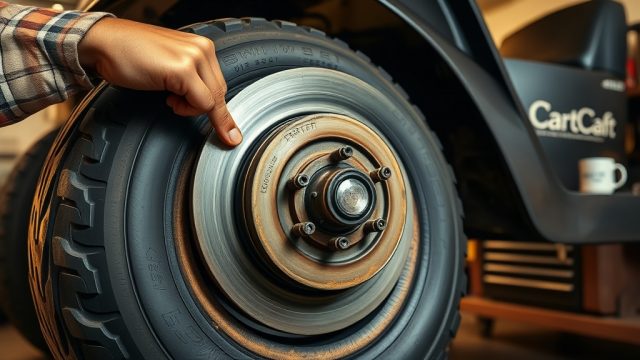
Diagnosing brake wear early prevents costly rotor damage. On a CartCraft, listen for a high-pitched squeal when braking—this often means the wear indicator is contacting the rotor. If you hear a grinding sound, pads are completely worn and metal is scraping metal. Visually, you can inspect the outer pad thickness through the caliper cutout: if pad material is less than 3mm (about the thickness of a 10p coin), replace them immediately.
Rotor wear signs include:
- Pulsation through the brake pedal when stopping (warped rotor).
- Deep grooves or a lip on the outer edge of the friction surface.
- Blue discolouration from excessive heat.
If your CartCraft has a voltage issue that affects brake lights or electric brake assist, check our CartCraft Voltage Regulator Troubleshooting: Signs of Failure and Fixes article before assuming the brakes themselves are faulty.
What Tools and Skills Do You Need to Install Performance Brakes on a CartCraft?
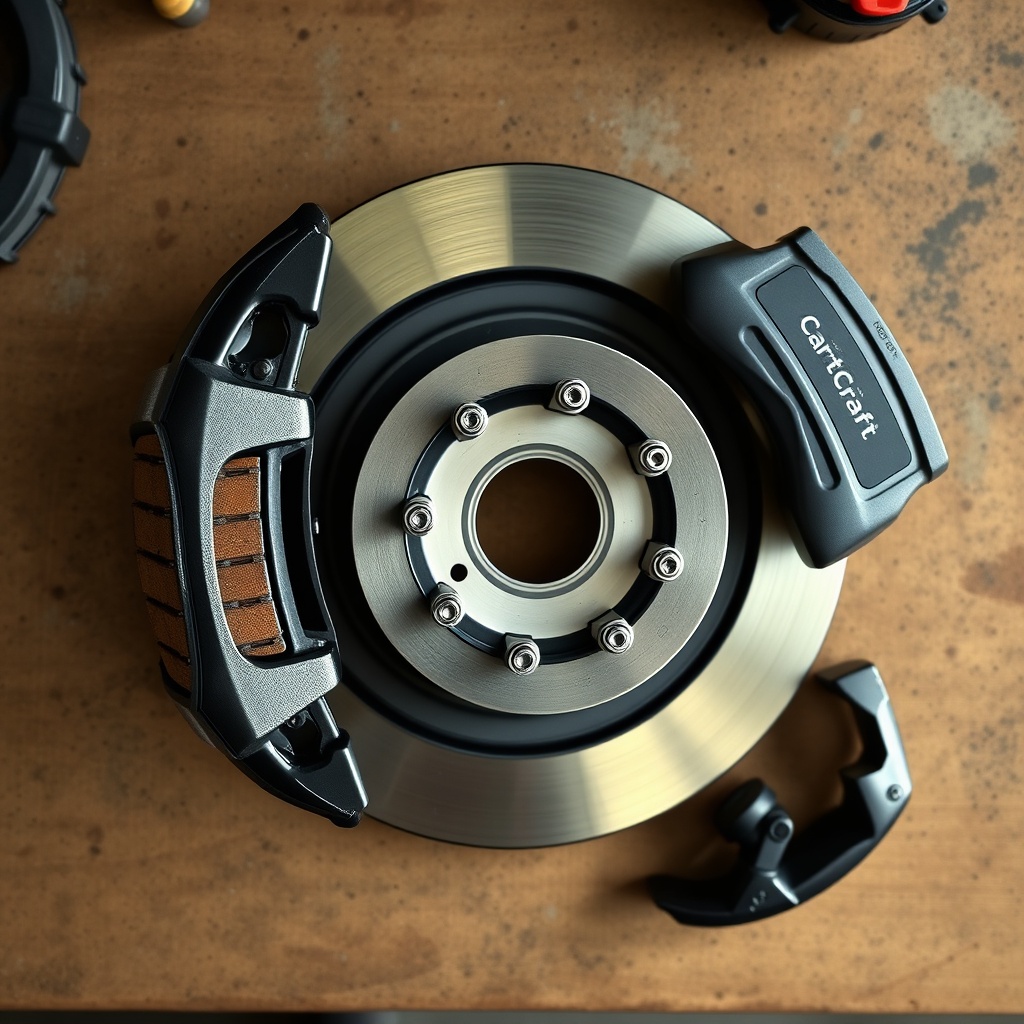
Installing brake pads and rotors on a CartCraft is a moderate DIY job. Basic tools include a 12mm and 14mm socket set, a C-clamp or brake piston tool, and a torque wrench for caliper bolts (30–40 Nm). Jack stands are essential—never rely on the cart’s hydraulic jack alone. The job takes 1.5–3 hours depending on whether you’re doing just pads or rotors as well. If your cart has drum brakes, you may need a brake spring tool and drum puller.
Before starting, check your tire condition: uneven wear or improper inflation can affect braking stability. Our CartCraft Golf Cart Tire Pressure Tips: Optimal PSI for Performance and Safety guide explains how correct pressure (typically 18–22 psi on street tyres) improves braking consistency.
What Owners Say About Brake Upgrades on Their CartCraft
Feedback from CartCraft owner forums and our installation community consistently highlights three benefits after upgrading: shorter stopping distance, less pedal effort, and confidence on descents. John from Surrey wrote: “I put slotted rotors and EBC pads on my 2016 CartCraft—the difference on the 3rd hole hill is night and day. No more praying at the top.” Another owner, Maria from Kent, noted: “I had warped rotors after a season of heavy use. Switching to drilled/slotted combo solved the pulsation for good.” The main complaint? A slight brake squeal during the first 100 miles of pad bedding, which is normal for semi-metallic compounds.
For those adding speedometers or entertainment systems alongside brake upgrades, our How to Install a GPS Speedometer on a CartCraft Golf Cart guide pairs well with a performance brake install, helping you monitor your new top speed safely.
Frequently Asked Questions
1. Can I use car brake pads on my CartCraft golf cart?
No—most car pads are too large and have different mounting tabs. CartCraft models use pads roughly 75mm long with a single pin or clip retention. Always buy pads specifically listed for your CartCraft model year to ensure correct fitment and braking force.
2. How often should I replace brake pads on my CartCraft?
With normal golf course use (5–10 miles per round), pads last 1–2 years. For street-driven carts with frequent stops, inspect every six months. Performance pads may wear faster (8–12 months) due to higher friction, but they stop better.
3. Do slotted rotors wear pads faster?
Yes, slightly—slotted rotors can reduce pad life by 10–20% compared to smooth rotors because the slots constantly scrape the pad surface. However, the improvement in wet braking and fade resistance usually outweighs the modest increase in pad wear cost.
4. My CartCraft has drum brakes—can I upgrade to discs?
Usually yes. Many CartCraft models (especially those built after 2008) accept bolt-on disc conversion kits costing £150–£250 per axle. This is a major upgrade that improves stopping power by 40% or more. See our installation article for full steps.
5. Do I need to bed in new brake pads on my cart?
Absolutely. The bedding process (20–30 moderate stops from 15 mph, allowing cooldown between each) transfers a thin layer of pad material to the rotor. Skipping this can cause uneven braking or glazing. Most cart brake manufacturers include a bedding procedure in the box.
6. Can brake problems cause my CartCraft not to start?
Not directly—brake issues don’t prevent engine or motor operation. However, if your cart has a brake safety switch (typical on newer models with a pedal interlock), a faulty switch can mimic a no-start condition. Our CartCraft Golf Cart No Start: Troubleshooting the Most Common Causes article covers how to test that switch.