Why Won’t My CartCraft Golf Cart Start? Troubleshooting the Most Common Causes
When your CartCraft golf cart refuses to start, it can turn a relaxing round into a frustrating delay. Whether you own a CartCraft Classic or a CartCraft XT, a no-start condition usually stems from a handful of predictable issues, ranging from simple battery neglect to more complex electrical faults. In this article, we’ll walk you through the most common causes and provide clear, step-by-step guidance to get you back on the course.
Is the Battery Pack Completely Dead or Just Undercharged?
The battery is the first suspect in any no-start situation. CartCraft golf carts rely heavily on a healthy 48V or 36V battery pack, and even a slight drop in voltage can prevent the controller from engaging. Start by checking the battery indicator on your dashboard—if it shows zero or very low charge, you likely have a drained pack. However, a single dead cell can also mimic a fully discharged battery. Use a voltmeter to measure each battery in the pack; if any cell reads below 1.75V for a 6V battery or 8.0V for an 8V battery, it may be faulty.
Additionally, extreme temperatures can affect battery performance. For a deeper dive into how temperature impacts charging, read our guide on How Temperature Affects Battery Charging on CartCraft Golf Carts. If your batteries are old (typically more than 4-5 years), consider a replacement or explore upgrading to lithium for better reliability.
Are the Battery Cables Corroded or Loose?
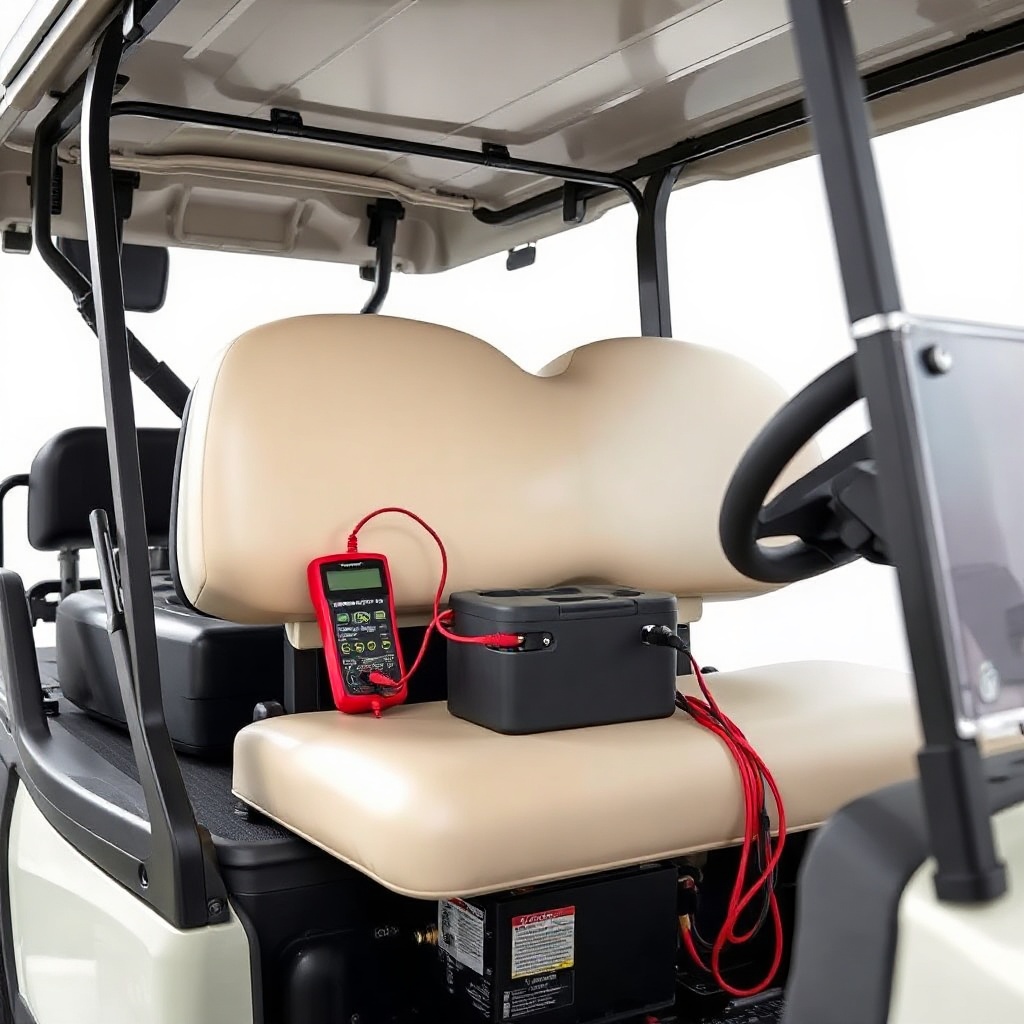
Even if the batteries have sufficient voltage, poor connections can stop the flow of power. Corrosion on battery terminals is a common culprit, especially in humid or rainy climates. White or bluish powdery deposits around the posts indicate corrosion. Also, check for loose or frayed cables—a cable that feels warm after attempted starting suggests high resistance. Tighten all connections to 10-12 Nm of torque, and clean terminals with a baking soda and water solution. If you find severe damage, replace the cables. This simple maintenance step often resolves intermittent no-start issues.
Remember, battery care is year-round. For proper storage during off-seasons, see our article on CartCraft Golf Cart Winter Storage: Battery Care and Maintenance Tips.
Is the Run/Tow Switch in the Correct Position?
CartCraft carts feature a Run/Tow switch—often located under the seat near the controller. If this switch is accidentally left in the Tow position, the cart will not start, as it disconnects the motor controller. The Tow mode is designed for towing or maintenance, so always ensure it’s set to Run before troubleshooting anything else. It sounds simple, but this oversight happens more often than you’d think, especially after charging or cleaning the cart.
Is the Solenoid Clicking or Silent?
The solenoid acts as the main power relay between the batteries and the controller. When you press the accelerator, you should hear a distinct click from the solenoid. If there’s no click, the solenoid may be faulty, or its control circuit is broken. Use a multimeter to check for voltage at the small terminals when the accelerator is pressed—12V to 48V should appear. If you get voltage but no click, replace the solenoid (typically £30-£60 for a CartCraft-compatible unit). If no voltage reaches the solenoid, the issue lies upstream, possibly in the key switch or pedal potentiometer.
Could the Controller Be Faulty or in Protection Mode?
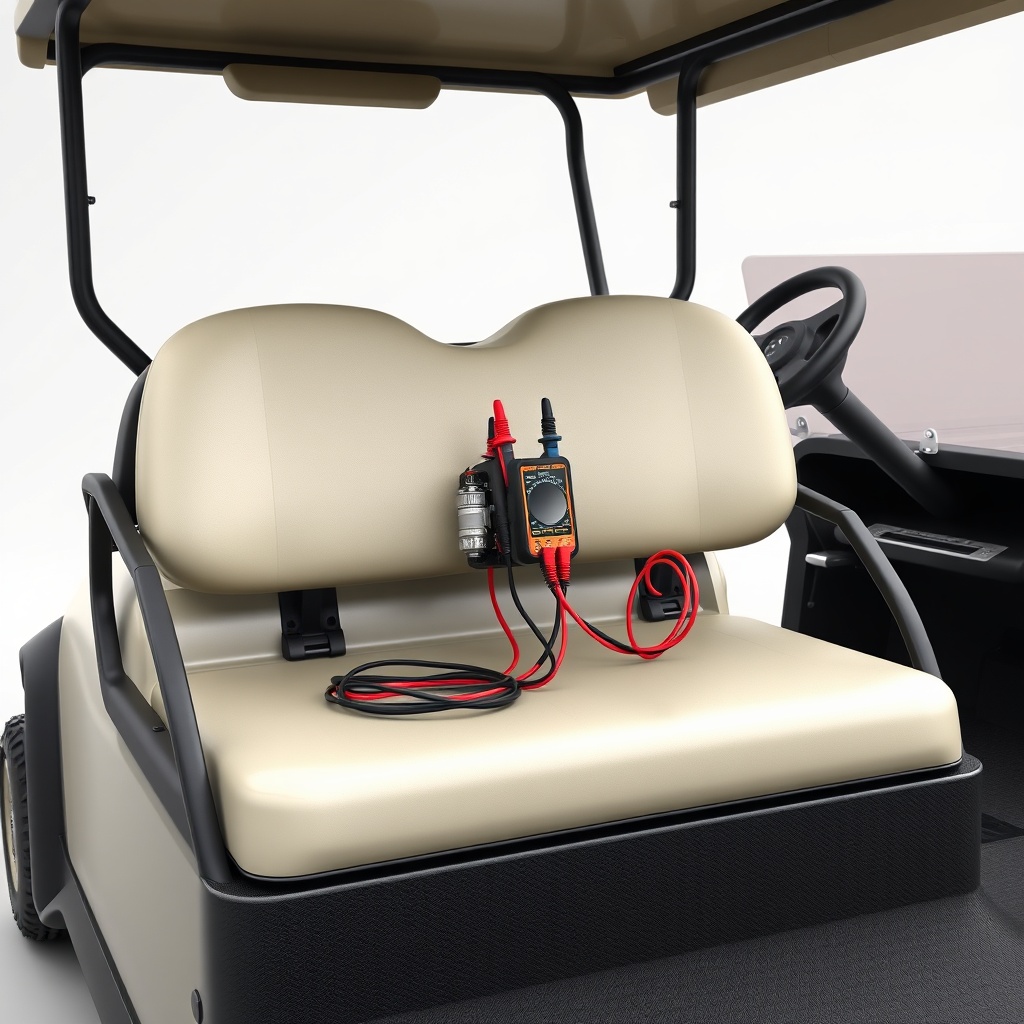
The electronic speed controller (ESC) is the brain of your CartCraft. If the controller enters a protection mode—often due to overcurrent, undervoltage, or a short circuit—it may refuse to start. Signs include no response when pressing the accelerator, even though the solenoid clicks. You can attempt a reset by disconnecting the main battery pack for 10 minutes, then reconnecting. If that fails, inspect the controller for burnt smell, swollen capacitors, or visible damage. Controller replacement typically costs between £150 and £400, depending on the model. For an upgrade path, check out CartCraft Lithium Battery Conversion: Upgrade for More Range and Faster Charging, which often requires a compatible controller.
Is the Key Switch or Pedal Potentiometer Failing?
Electrical switches are wear items on any golf cart. A faulty key switch may not send the enable signal to the controller. Test it with a multimeter: with the key in the “on” position, the circuit should show continuity. Similarly, the pedal potentiometer (throttle position sensor) can wear out after years of use. If the solenoid clicks but the motor doesn’t move, unplug the potentiometer and check its resistance as you press the pedal—it should vary smoothly. A replacement pedal assembly costs around £40-£80. Also, ensure the CartCraft Golf Cart Brake Fluid Flush: Step-by-Step Guide is not neglected, as brake drag can sometimes simulate a no-start by overwhelming the motor, but that’s less common.
| Component | Failure Symptoms | Diagnostic Steps | Estimated Cost (GBP) | Severity Level |
|---|---|---|---|---|
| Battery Pack | No dashboard lights, no power at all | Voltage check each cell | £300–£1200 (replacement) | High |
| Battery Cables | Intermittent power, warm cables | Visual inspection, torque check | £15–£50 | Medium |
| Run/Tow Switch | No response, easily overlooked | Verify position | Free | Low |
| Solenoid | No click or clicking inoperable | Voltage test at small terminals | £30–£60 | Medium |
| Controller | Solenoid clicks but no motor movement | Reset, visual inspection | £150–£400 | High |
| Key Switch / Potentiometer | Click only when key is jiggled | Continuity test, resistance check | £40–£80 | Medium |
What Owners Say About CartCraft No-Start Issues
Real CartCraft owners frequently praise the simplicity of the electrical system, but they also note that battery maintenance is paramount. Many report that a simple terminal cleaning resolved their no-start, while others emphasise the importance of solenoid checks. One owner on a forum noted, “My 2018 CartCraft wouldn’t start after winter. It was just corrosion on the battery posts—20 minutes and a wire brush fixed it.” Another mentioned, “The Run/Tow switch saved me a tow fee. I’d forgotten I set it to Tow during washing.” Some owners who upgraded to lithium via CartCraft Lithium Battery Conversion reported fewer no-start issues, as lithium packs maintain more consistent voltage. Additionally, users who fitted larger tires found reduced range and sometimes starting struggles; see the impact in How Tire Size Affects Speed and Range on CartCraft Golf Carts: Performance Metrics.
Frequently Asked Questions
Q: My CartCraft golf cart has power light but won’t move. What should I check first?
A: First, check the Run/Tow switch is in Run. Then verify the solenoid clicks—if not, test the key switch and battery voltage. If it clicks but doesn’t move, suspect the controller or motor.
Q: How often should I clean my CartCraft’s battery terminals?
A: Every 3-6 months, or more frequently in humid climates. Use a baking soda paste and a wire brush, then apply anti-corrosion spray.
Q: Can a bad brake system cause a no-start?
A: Not directly, but if brakes are dragging, the motor may draw excessive current, triggering protection mode. Perform a CartCraft Golf Cart Brake Fluid Flush if fluid is contaminated.
Q: What voltage should my 48V CartCraft show at rest?
A: Around 50.9V (12.7V per 12V battery) for a fully charged pack. Below 48V indicates a partial charge; below 44V is critically low.
Q: Will upgrading to lithium eliminate no-start problems?
A: It reduces voltage-related issues and doesn’t suffer from sulfation, but other electrical faults (solenoid, controller) can still occur. See our lithium conversion guide for details.
Q: Can I bypass the controller to start the motor?
A: Not recommended without expertise—direct connection can damage the motor or cause injury. Always troubleshoot the controller first or consult a professional.