CartCraft Brake System Inspection: Signs of Wear and When to Replace
For any CartCraft owner, the brake system is the most critical safety component on your golf cart, directly affecting stopping distances and passenger protection. Regular inspection of brake pads, drums, cables, and fluid levels is essential to prevent costly repairs and maintain reliable performance. This comprehensive guide from CartCraft details the telltale signs of brake wear and provides clear replacement intervals tailored to your cart.
How Do I Know If My CartCraft Brake Pads Are Worn Out?
The most obvious sign of worn brake pads is a high-pitched squealing or grinding noise when you apply the brakes. This sound comes from a built-in wear indicator that contacts the rotor when pad material is below 3mm. Additionally, you may notice reduced braking power, requiring greater pedal pressure or longer stopping distances. For a thorough check, remove the wheel and inspect the pads visually; if the friction material is less than 1/4 inch thick, replacement is overdue. Refer to our guide on How to Replace Brake Pads on a CartCraft Golf Cart for step-by-step instructions.
Other indicators include vibrations through the steering wheel or brake pedal during braking, which often means the pads are glazed or the drums are warped. If you see brake dust accumulation on the wheels—especially a dark, metallic powder—that’s normal wear debris, but excessive dust signals accelerated pad wear.
What Are the Symptoms of Worn Brake Drums or Rotors?
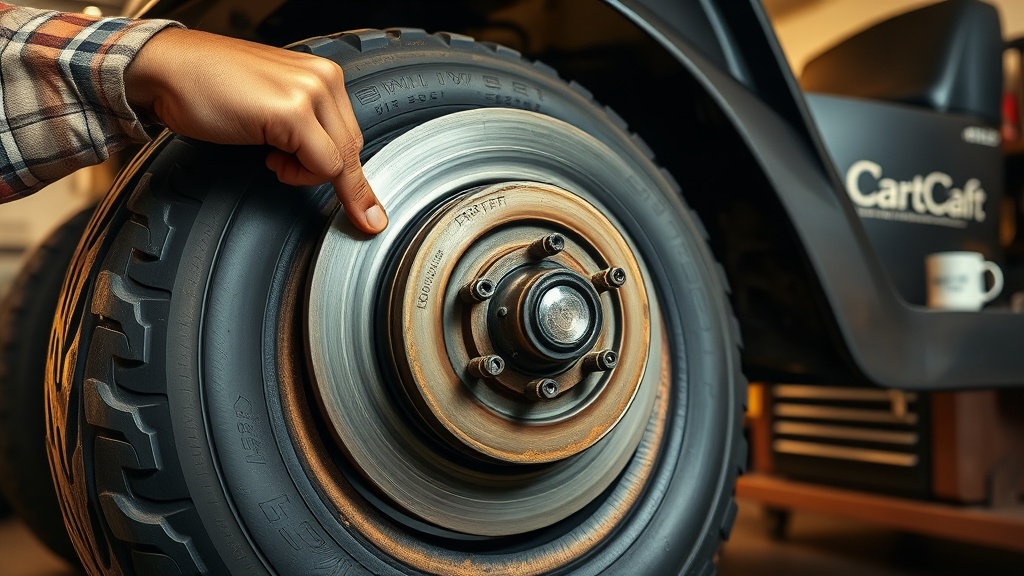
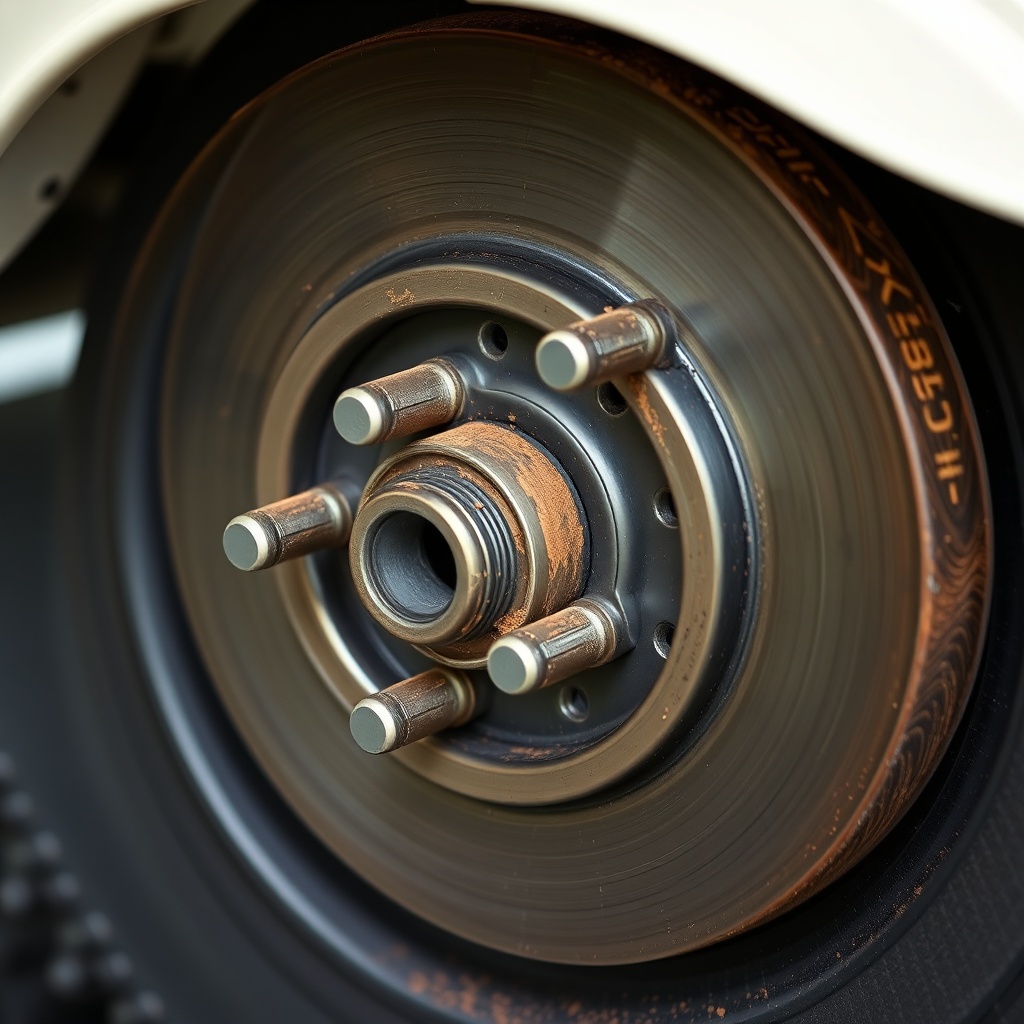
Brake drums on a CartCraft typically last 10,000 to 15,000 miles, but aggressive braking or heavy loads can shorten their service life. Symptoms of worn drums include a pulsating brake pedal, loud squeaking when braking at low speeds, and a visible groove or ridge on the drum surface. If the drum’s inner diameter exceeds the manufacturer’s specification (usually marked on the drum), replacement is mandatory. For disc-brake models, check the rotor for scoring, cracks, or a blue heat discoloration, which indicates overheating. A micrometer can measure rotor thickness; replace if below minimum specifications.
Severity of drum wear can be categorised as follows:
| Condition | Severity | Recommended Action |
|---|---|---|
| Light scoring (under 0.5mm) | Moderate | Machine/resurface if within spec |
| Deep grooves (over 1mm) | Severe | Replace drum immediately |
| Cracked or warped | Critical | Emergency replacement before driving |
| Blue discolouration | Moderate to severe | Check for brake fluid contamination |
How Frequently Should Brake Cables and Linkages Be Inspected?
Brake cables on a CartCraft should be visually inspected every 6 months or 500 miles, whichever comes first. Look for fraying, kinks, or rust on the cable housing. If the cable feels tight but the brakes do not engage fully, the cable may be stretched or corroded inside the sheathing. Lubricate the cable pivot points with white lithium grease annually. For hydraulic systems, inspect the hoses for cracks, bulges, or leaks—pay close attention at connection points near the master cylinder and brake calipers. Any sign of fluid seepage means immediate replacement.
Consider the environment: carts used near the ocean or in wet climates experience faster corrosion. Our article on CartCraft Battery Water Maintenance: Essential Tips for Long Battery Life covers similar environmental protection strategies that apply to brake components.
What Is the Proper Brake Fluid Level and Type for My CartCraft?
Most CartCraft models with hydraulic brakes use DOT 3 or DOT 4 brake fluid, with a reservoir capacity around 0.2 litres. The fluid level should sit between the MIN and MAX lines on the translucent reservoir near the driver’s side footwell. Low fluid often indicates pad wear (as calipers extend further) or a leak. Do not top off with water—only use fresh, sealed brake fluid from an unopened container. Every two years, completely flush the system with new fluid to prevent moisture absorption and internal corrosion.
If your cart has regenerative braking (common on electric models), hydraulic brakes may still exist as a backup system. Check your owner’s manual—some newer carts use only mechanical braking.
When Should I Replace My CartCraft’s Brake Shoes or Pads?
As a general rule, replace friction materials every 2-3 years or 3,000-5,000 miles, depending on usage. For frequent stop-and-go driving on hilly terrain, replace pads when the friction material thickness reaches 3mm. Quality aftermarket ceramic pads for the CartCraft cost between £12 and £25 per set, while OEM pads range from £18 to £35. Replacing them timely avoids damaging the more expensive drums or rotors.
- After heavy off-road use: inspect every 50 hours of operation.
- If brake pedal feels spongy: bleed the system and check for air.
- Uneven pad wear: check for seized caliper pins or sticky slide bolts.
- For customised carts with larger tyres or lifted suspensions, consider How to Upgrade the Clutch on a CartCraft for Better Performance, as performance modifications can affect braking dynamics.
What Do Owners Say About CartCraft Brake Longevity?
In CartCraft owner forums and user reviews, the consensus is that stock brake pads last approximately 3,000 miles on standard turf conditions, while owners using their carts on paved roads report 5,000–6,000 miles. Many praise the simplicity of the braking system—most 2005–2015 models use a single master cylinder with two wheel cylinders. However, some owners note that parking brakes tend to seize after winter storage if not regularly used. They recommend pressing the pedal several times before setting out after long inactivity. Another common tip is to upgrade to sintered metallic pads for improved heat dissipation in high-torque or heavy-load applications. For those installing audio upgrades or steering modifications, brake inspection is a prerequisite safety check before any driving.
Our step-by-step guides for How to Install a Custom Steering Wheel on a CartCraft Golf Cart and How to Install a Sound System on a CartCraft Golf Cart always recommend verifying brake function before finalising installation.
Frequently Asked Questions
1. How much does it cost to replace brake pads on a CartCraft?
Expect £25–£60 for OEM-quality pads plus labour (DIY saves £30–£50). Professional replacement totals £55–£110 depending on region.
2. Can I use car brake fluid in my CartCraft?
Yes, if it is DOT 3 or DOT 4. Avoid DOT 5 (silicone-based) unless specified by CartCraft; mixing types can damage seals.
3. Why does my CartCraft brake pedal feel soft?
Air in the hydraulic system, low fluid, or worn master cylinder. Bleed brakes immediately and check for leaks. Do not drive if pedal sinks to floor.
4. How often should I lubricate brake cables?
Every 6 months or 500 miles. Use a silicone-based spray lubricant applied at cable entry points. Avoid petroleum-based products on rubber bushings.
5. Is it safe to drive with a worn brake drum?
No—a cracked or heavily grooved drum can fail suddenly, causing complete brake loss. Replace immediately at a cost of £30–£70 per drum.
6. Do electric CartCraft models have different brakes?
Many electric carts use regenerative braking (motor slows the wheels) plus mechanical drum brakes. The mechanical brakes still need regular inspection. Always consult your specific model manual.