Why Is CartCraft Golf Cart Battery Water Level Maintenance So Critical?
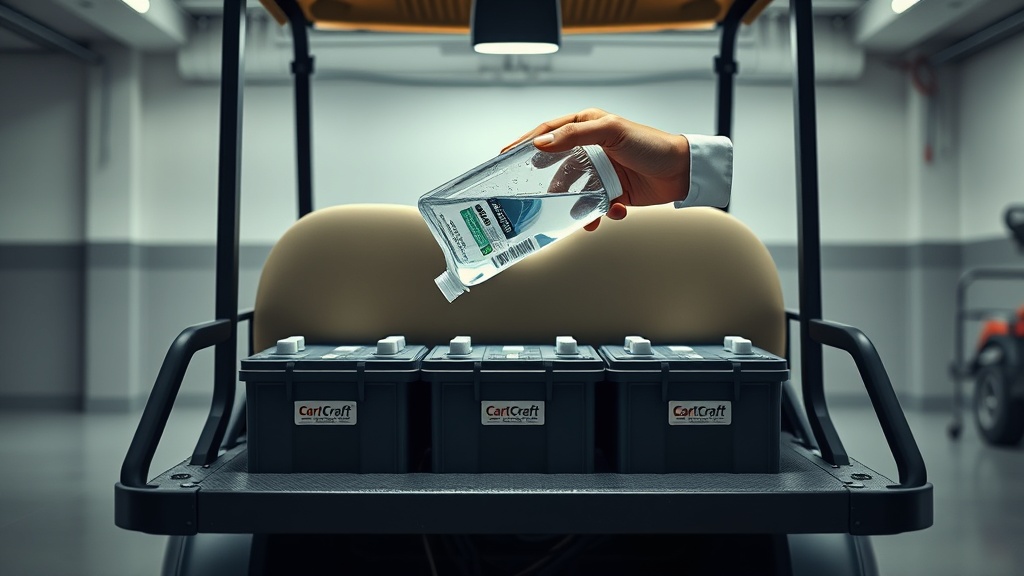
Every CartCraft golf cart owner knows that batteries are the heart of the vehicle. Without proper water levels, lead-acid batteries degrade quickly, reducing range and power. This guide provides a thorough maintenance-repair routine to keep your batteries healthy, extending their life by years and saving you hundreds of pounds in replacements.
Regular water level checks prevent sulfation, overheating, and internal damage. By following the steps here, you’ll avoid the common pitfalls that leave golf carts stranded mid-round. Let’s dive into the essential practices for maintaining CartCraft golf cart batteries.
When Should You Check Battery Water Levels on Your CartCraft?
Frequency depends on usage, but a good rule is every four to six weeks during regular operation. If you use your CartCraft golf cart daily, especially in hot weather, check every two weeks. Always check after a full charge cycle, not before, because water is consumed during charging.
Signs that levels are low include reduced run time, slow acceleration, and increased charging time. You might also notice a sulphur smell or corrosion around terminals. For a deeper dive into electrical performance, see our CartCraft Golf Cart High-Performance Battery Controller Installation guide to complement your battery care.
What Tools Do You Need for CartCraft Battery Water Level Maintenance?
Gather these items before starting. Using the right tools prevents contamination and damage. Here’s a quick checklist:
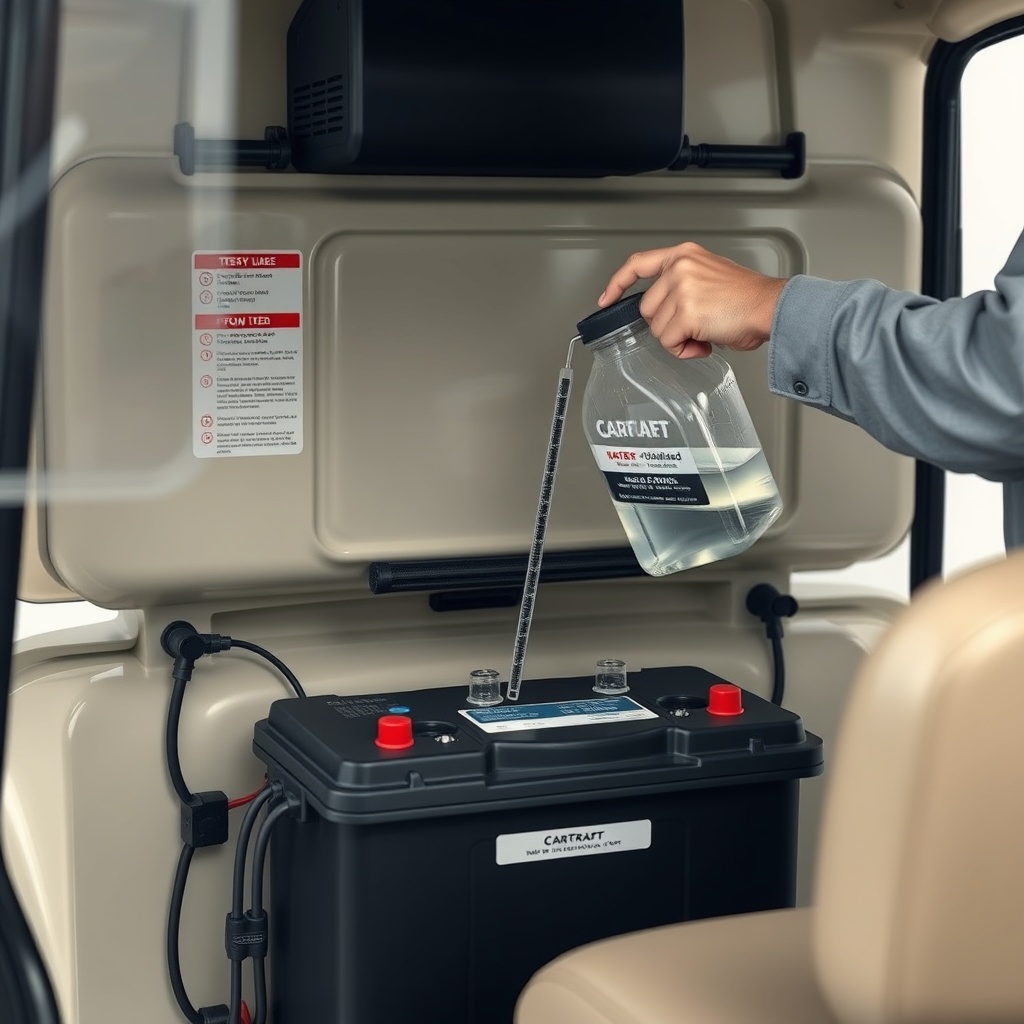
- Distilled water (never tap water, which contains minerals that harm batteries)
- Safety glasses and rubber gloves (battery acid is corrosive)
- A funnel with a narrow spout or a battery watering bottle
- A clean cloth or paper towels
- A digital multimeter (optional but recommended for voltage checks)
- A small flathead screwdriver (for opening vent caps)
If you encounter any electrical issues while checking, refer to the CartCraft Golf Cart Solenoid Replacement and Troubleshooting for No-Start Issues article to rule out starter problems.
How to Properly Check and Refill Battery Water Levels: Step-by-Step
Follow this procedure to maintain optimal water levels in your CartCraft golf cart batteries.
Step 1: Safety First
Switch the cart to “Tow” mode and remove the key. Allow the batteries to cool for at least an hour after charging. Wear safety glasses and gloves.
Step 2: Inspect and Clean
Remove the battery compartment cover. Wipe away any dirt or corrosion from the tops of the batteries. Use a cloth dampened with a mix of baking soda and water to neutralise acid spills.
Step 3: Open Vent Caps
Use a screwdriver gently to pry open the vent caps. Some caps are one-piece strip covers; others are individual. Set them aside on a clean surface.
Step 4: Check Water Levels
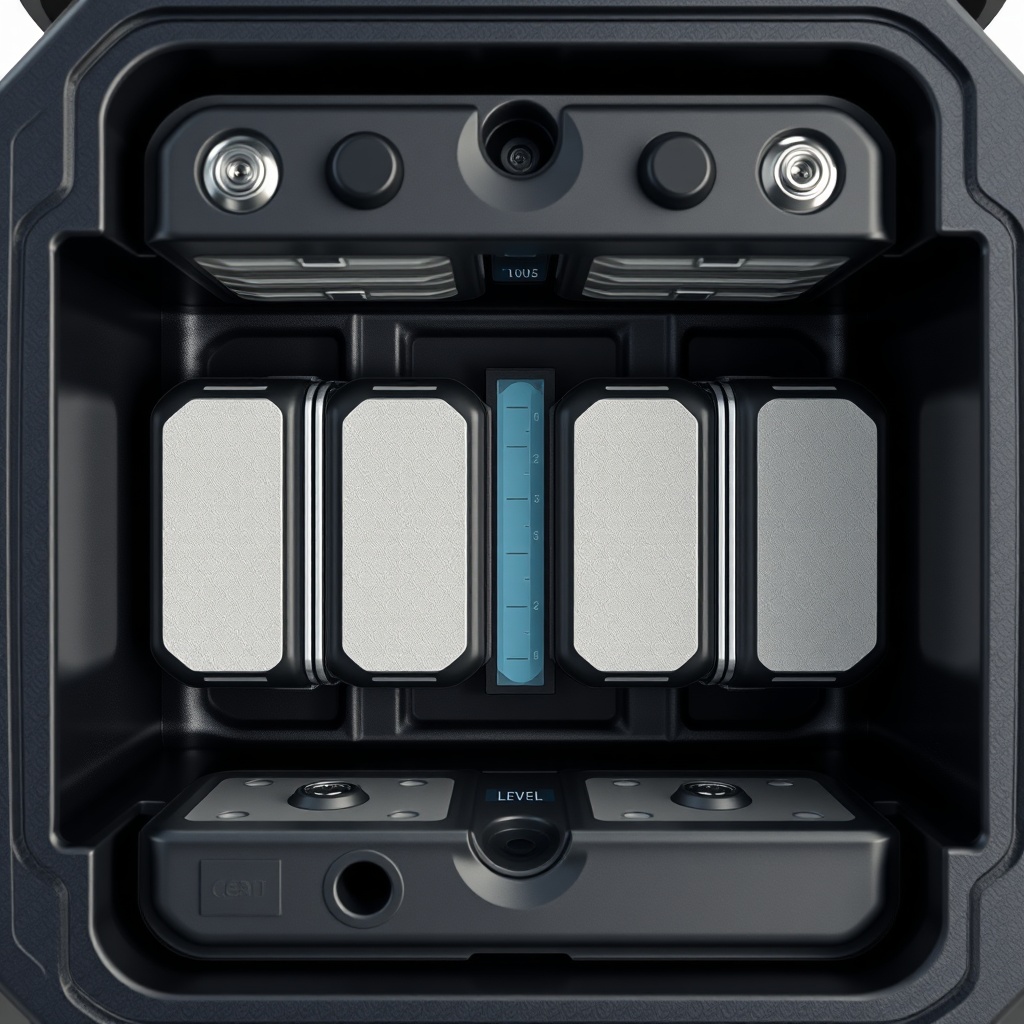
Look inside each cell. The water should cover the internal plates by about 1/8 to 1/2 inch (3-12 mm). If you see plates exposed, the level is too low. Never let plates dry out.
Step 5: Refill with Distilled Water
Using a funnel or watering bottle, add distilled water to each cell. Fill to just below the bottom of the vent well (the filler tube inside the battery). Do not overfill, as electrolyte can overflow during charging.
Step 6: Reinstall Caps
Wipe any spills dry, then replace caps securely. Ensure they are tight to prevent dirt ingress.
Step 7: Charge and Test
Connect the charger and complete a full cycle. After charging, check voltage with a multimeter. Each 6V battery should read around 6.3-6.4V. For 8V batteries, 8.4-8.5V. For performance tuning, see CartCraft Golf Cart Speed Controller Tuning Guide: Increase Top Speed and Acceleration to optimise your cart after battery maintenance.
What Happens When Water Levels Are Too Low or Too High?
Both extremes cause problems. Here’s a comparison table showing severity and effects:
| Condition | Severity Level | Effect on Battery | Recommended Action |
|---|---|---|---|
| Low water (plates exposed) | Critical | Immediate sulfation, reduced capacity, permanent damage within days | Refill with distilled water immediately, then fully recharge |
| Slightly low (1/8 inch below plates) | Moderate | Gradual capacity loss, increased internal resistance | Refill to correct level within a week |
| Correct level | None | Optimal performance and long life | Maintain with routine checks |
| Overfilled (above vent well) | Moderate to High | Acid overflow during charging, corrosion of terminals and cables, reduced electrolyte concentration | Remove excess with a bulb syringe or towel, check specific gravity |
| Tap water used | High | Contamination with minerals causes internal short circuits, premature failure | Empty, rinse with distilled water, refill with distilled only (may require professional service) |
What Do CartCraft Owners Say About Battery Water Level Maintenance?
Regular CartCraft owners have shared valuable feedback on forums and maintenance logs. Many stress how simple this task is but how often it’s overlooked. One owner from Surrey noted, “I used to replace batteries every 18 months. After I started checking water monthly and using distilled water only, my last set lasted over 4 years. Saved me nearly £400.” Another user from the Midlands said, “The step-by-step here is gold. I had a dead cell due to low water, and the battery controller guide helped me pair it with a new charger. Now my CartCraft runs like new.”
Several owners combine this maintenance with other upgrades. For example, adding an LED light bar to extend evening drives. Check out CartCraft Golf Cart LED Light Bar Installation Guide: Brighten Your Night Rides to illuminate your path after maintaining batteries.
One reviewer on a cart club site wrote: “The table here is spot-on. Overfilling is common, and I learned the hard way. Now I use a watering bottle with a shut-off tip. No more acid spills.” Many recommend scheduling battery checks on the same day each month. For smoother throttle response after battery maintenance, read CartCraft Golf Cart Throttle Response Tuning: Adjust Your Accelerator for Smoother Starts.
Another common sentiment is the value of a hydrometer for measuring electrolyte specific gravity. Owners with older batteries find this critical for identifying weak cells before they fail. “I test each cell quarterly,” said a user from Yorkshire. “It’s saved me from being stranded mid-golf once already.” For suspension issues that can appear after battery work, see CartCraft Golf Cart Suspension Noise Diagnosis and Fix: Common Causes and Solutions.
Frequently Asked Questions About CartCraft Battery Water Level Maintenance
1. Can I use tap water in my CartCraft golf cart batteries?
No, never. Tap water contains minerals like calcium and iron that cause internal short circuits and reduce battery life significantly. Always use distilled water.
2. How often should I check water levels in my CartCraft batteries?
Check every four to six weeks during normal use. In hot climates or heavy daily use, check every two weeks. Always check after a full charge cycle.
3. What happens if I overfill a battery cell?
Overfilling causes electrolyte to spill out during charging, leading to corrosion of terminals and cables. It also reduces acid concentration. Use a syringe to remove excess fluid.
4. Should I check water levels before or after charging?
After charging. Water is consumed during charging, so levels are at their lowest then. Checking before might give a false high reading, leading to overfilling when you add water.
5. How do I know if my CartCraft battery needs water?
Visual inspection is best. Remove caps and look inside each cell. If the plates are exposed (not covered by water), or if the water level is below the bottom of the vent well, add distilled water immediately.
6. Can low water levels cause my CartCraft to not start?
Yes, severely low water levels reduce voltage output and can prevent the solenoid from engaging. This can mimic a no-start issue. Check water levels before assuming it’s a solenoid problem. For further guidance, see our CartCraft Golf Cart Solenoid Replacement and Troubleshooting for No-Start Issues article.