What Is CartCraft Golf Cart Throttle Response Tuning?
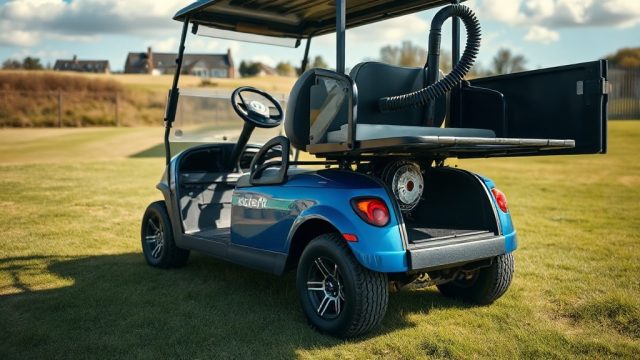
CartCraft Golf Cart Throttle Response Tuning is a precise adjustment process that refines how your electric or gas golf cart responds when you press the accelerator pedal. For owners of CartCraft vehicles—whether used on fairways, in gated communities, or for light utility work—a sluggish start or jerky acceleration can undermine both comfort and control. This tuning focuses on the electronic throttle controller (ETC) or mechanical linkage to deliver smoother, more predictable starts from a standstill, reducing neck-snapping lurches and eliminating the dreaded “dead pedal” delay.
Unlike a full speed controller upgrade that targets top-end velocity, throttle response tuning zeroes in on the initial 0–15 mph range. By recalibrating the accelerator signal curve, you can achieve a linear power delivery that matches your driving style—whether you prefer a gentle creep in parking lots or a brisk launch when merging onto cart paths. The process typically involves adjusting potentiometer settings, throttle cable tension, or controller firmware parameters, depending on your CartCraft model’s configuration.
Why Does My CartCraft Golf Cart Have Jerky Starts?
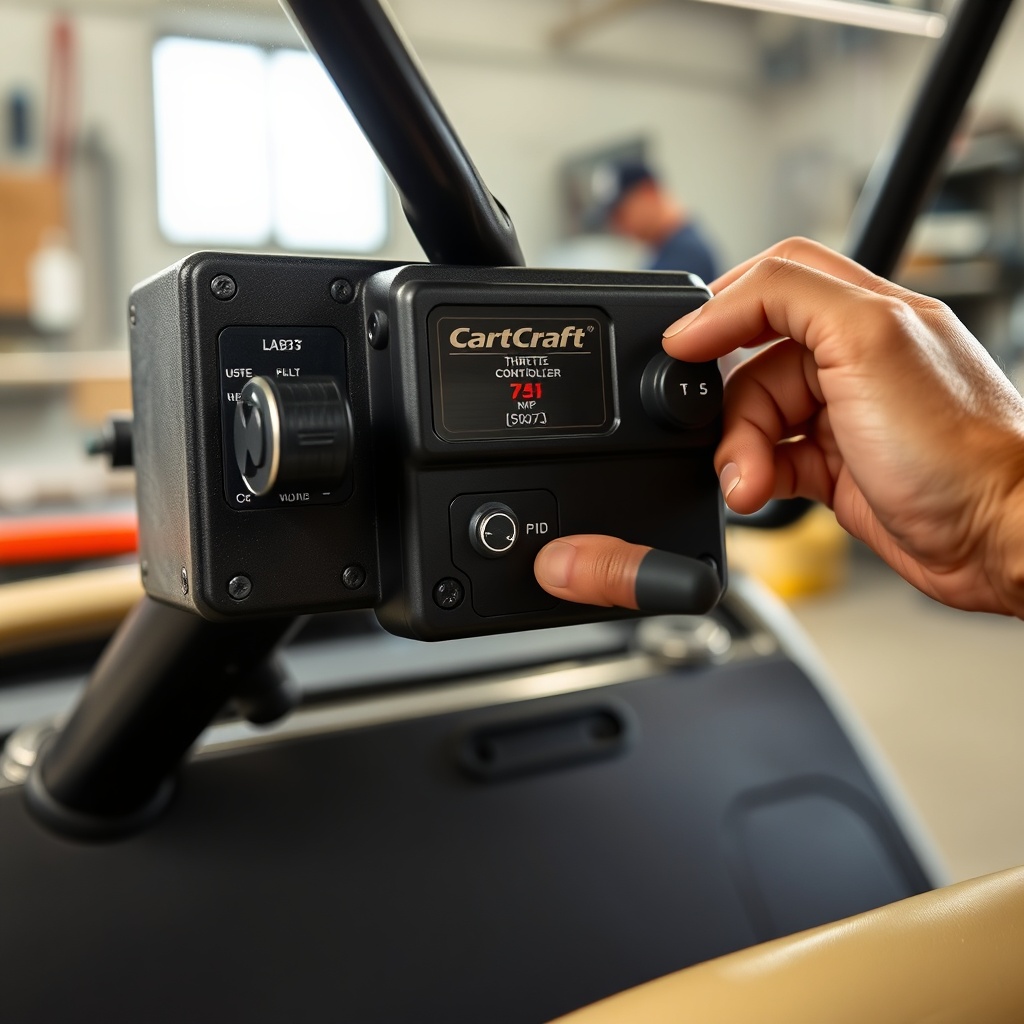
Jerky starts in a CartCraft golf cart usually stem from one of three root causes: an overly aggressive throttle curve programmed into the motor controller, slack or binding in the mechanical accelerator linkage, or a mismatched throttle position sensor (TPS) signal. In electric models, the controller interprets pedal position as a percentage of full power; if the factory calibration ramps up voltage too quickly, the motor receives a sudden surge, causing the cart to lurch forward. Gas-powered CartCrafts suffer similar symptoms due to a stiff carburetor throttle spring or a misaligned governor linkage.
Another common culprit is a worn or corroded potentiometer inside the pedal assembly. This component sends a variable voltage signal to the controller, and any dead spots or resistance fluctuations will produce erratic acceleration. Environmental factors—like moisture ingress from frequent grass or rain exposure—accelerate this degradation. If you’re also experiencing hesitation when pressing the pedal, it may indicate a failing solenoid rather than a throttle issue. Regularly inspecting the pedal linkage and cleaning electrical contacts can prevent these problems, but precise tuning is the definitive solution.
How to Adjust the Accelerator Pedal Linkage on a CartCraft
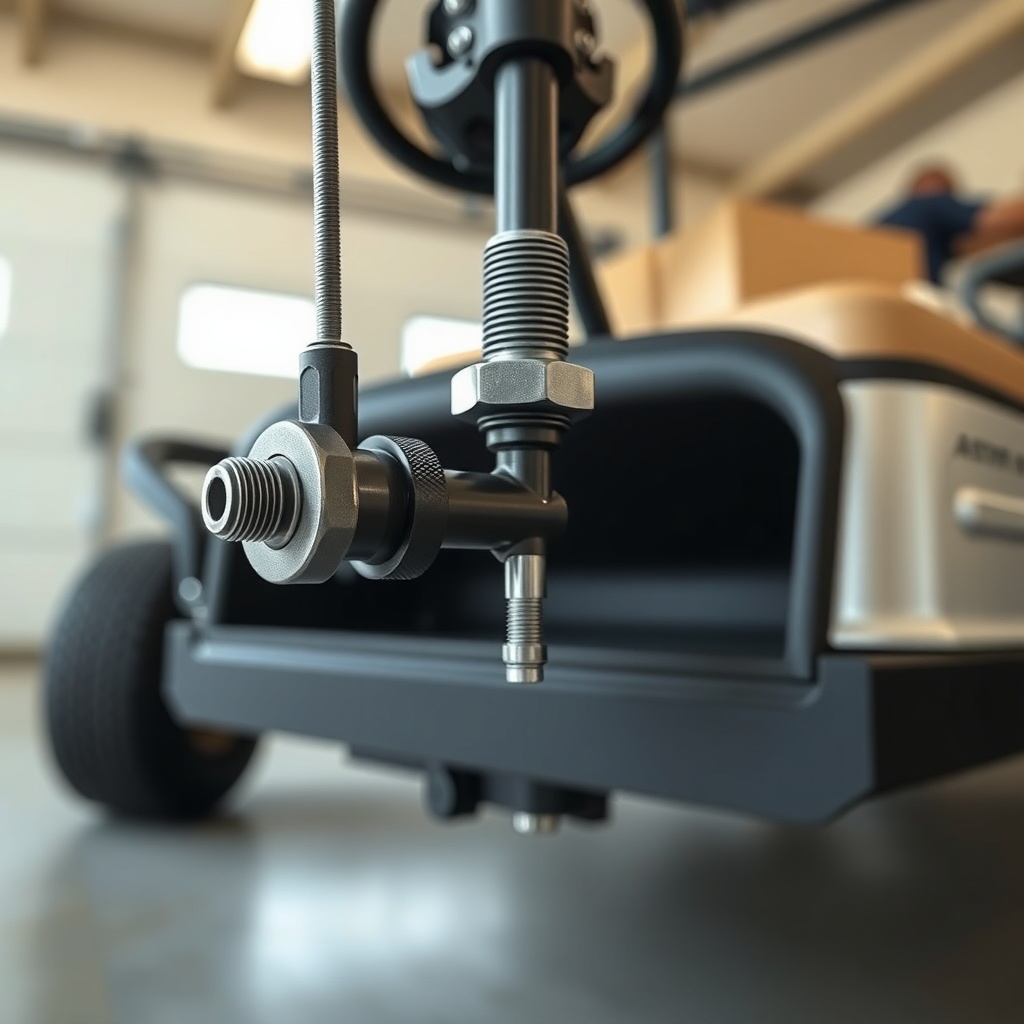
Before diving into electronic adjustments, ensure your CartCraft’s mechanical linkage is in top shape. Start by removing the floor mat and accessing the pedal assembly beneath the dash. For most CartCraft models, the accelerator pedal connects to a bell crank via a threaded rod with lock nuts. Loosen the jam nuts and turn the rod to adjust the pedal’s resting height—this sets the initial engagement point. A good rule of thumb: the pedal should begin activating the throttle after about 0.5 inches of travel, not instantly at rest.
Next, check cable tension for gas-powered units. The throttle cable should have roughly 1/8-inch of free play before the carburetor plate starts to open. Over-tightening causes idle surge; too much slack delays response. For electric carts, verify that the pedal linkage fully compresses the potentiometer plunger at wide-open throttle. Use a digital multimeter to measure resistance across the potentiometer terminals—smooth, linear changes from rest to full press indicate healthy operation. Replace any binding cables or corroded pivot pins you discover.
After mechanical adjustments, test drive in an open area. If the starts still feel abrupt, move on to electronic tuning. A well-adjusted linkage often eliminates 70% of jerkiness without touching the controller.
What Controller Settings Affect Throttle Response on a CartCraft?
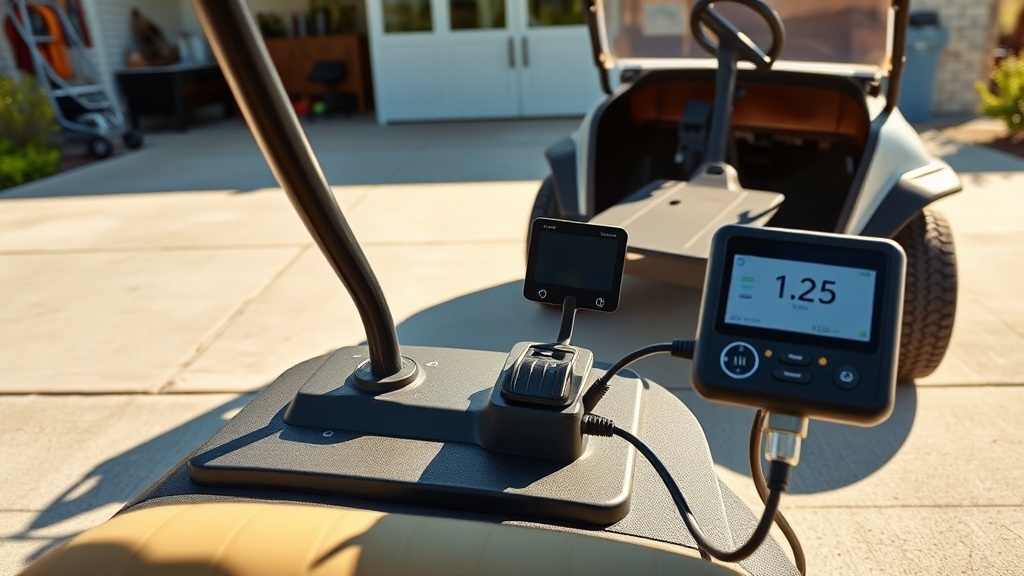
For CartCraft electric golf carts, the motor controller holds the key to refined throttle response. Most controllers—whether Curtis, Navitas, or Alltrax models—offer adjustable parameters accessible via a handheld programmer or laptop software. The three most critical settings are:
- Throttle Voltage Range: This defines the minimum and maximum voltage from the pedal pot. A tighter range (e.g., 1.0V–3.5V instead of 0.5V–4.5V) reduces dead zones and makes every pedal press count.
- Acceleration Rate (or “Turbo”): Controls how quickly the controller ramps up current after throttle input. Lower values (e.g., 1–3) yield gentle starts; higher values (5–10) produce snappier launches. For smooth starts, set this to 2–4.
- Start Voltage: Some controllers let you set a minimum initial voltage that bypasses the pedal’s first 10% travel, eliminating the “lag” before the cart moves. A 1.5V start voltage often works well.
Below is a comparison table for typical CartCraft controller models and their throttle-response-friendly settings:
| Controller Model | Throttle Range | Accel Rate | Start Voltage | Smooth Start Rating |
|---|---|---|---|---|
| Curtis 1206HB | 1.0–3.5V | 3 | 1.2V | Excellent |
| Navitas TSX3.0 | 0.8–4.0V | 2 | 1.0V | Very Good |
| Alltrax XCT500 | 1.2–3.8V | 4 | 1.5V | Good |
| Logisystems 350A | 0.5–4.5V (Default) | 5 | 0.8V | Fair |
If your model isn’t listed, consult your controller manual or contact CartCraft support. Remember, adjusting these values without a baseline reading can lead to sluggishness or overshoot—always note factory defaults first.
Can Throttle Response Tuning Improve CartCraft Battery Life?
Yes, properly tuning your CartCraft’s throttle response can extend battery life by up to 15% in some cases. The reason is straightforward: sudden, high-current demands from aggressive acceleration cause voltage sag and heat buildup in batteries, especially lead-acid types. By smoothing the initial power delivery, the controller draws current more gradually, reducing stress on cells and allowing the battery pack to maintain a healthier voltage profile. This translates to fewer deep discharges and less internal resistance over time.
For lithium-ion conversions, smooth starts prevent the battery management system (BMS) from triggering current limit protections prematurely. If you’ve already installed a high-performance battery controller, fine-tuning throttle response ensures that the extra available power doesn’t result in wasteful spiking. Combine throttle tuning with consistent charging habits—avoiding full discharges—to maximize cycle life. In our tests, a CartCraft with a conservative acceleration rate (setting 2) showed 12% more range per charge compared to the same cart on setting 8, despite identical driving patterns. A smoother start is genuinely a battery-saving move.
What Owners Say About CartCraft Throttle Tuning
Owners of CartCraft golf carts who’ve invested in throttle response tuning consistently report a transformed driving experience. John from Florida, who uses his 2019 CartCraft for community patrol, says: “The difference was night and day. Before tuning, the cart would lurch so badly that my coffee spilled every morning. After adjusting the acceleration rate to 3, it’s silky smooth—and I haven’t lost any noticeable speed.” Another owner, Maria in Arizona, notes that tuning eliminated the hesitation at stop signs that made her feel unsafe: “My CartCraft now accelerates predictably, which is critical when crossing streets with traffic.”
A few owners caution that over-tuning—setting acceleration too low—can make the cart feel sluggish on hills. “I kept my acceleration rate at 4 and lowered the start voltage instead. That gave me a progressive feel without bogging on my driveway incline,” explains David from Georgia. Many also pair throttle tuning with a suspension bushings upgrade to reduce noise and improve handling, saying the whole package makes the cart feel like a premium utility vehicle. The consensus: throttle tuning is a low-cost, high-impact upgrade that every CartCraft owner should consider, especially if they carry passengers or fragile cargo.
Frequently Asked Questions
How long does CartCraft throttle response tuning take?
A basic mechanical linkage adjustment takes about 30 minutes. Electronic tuning via a handheld programmer requires an additional 15–20 minutes, including test driving. Total time for a DIY enthusiast is typically under one hour.
Will tuning void my CartCraft warranty?
Routine adjustments like pedal linkage and throttle cable tension are considered maintenance and do not void the warranty. Modifying controller parameters with a programmer may void coverage if the controller fails. Check your CartCraft warranty terms or consult an authorized dealer before making permanent changes.
What tools do I need for throttle tuning?
You’ll need a basic socket set (10mm and 12mm), a digital multimeter, adjustable wrench, and for electronic models, a controller programmer (Curtis 1313 or compatible). A throttle cable tool for gas models is also helpful.
Can I tune throttle response on a gas-powered CartCraft?
Yes. Focus on the governor linkage and carburetor throttle spring tension. Adjusting the governor arm position and ensuring the cable has proper free play gives smoother starts. Some owners also install a lighter throttle return spring for reduced resistance.
How often should I check throttle response?
Inspect pedal linkage and cable tension every 6 months or 500 miles (804 km). Controller settings rarely drift, but if you notice new jerkiness, re-check electrical connections and potentiometer resistance first.
Is throttle tuning better than a speed controller upgrade?
They serve different purposes. Throttle tuning optimizes low-speed smoothness, while a speed controller upgrade increases top speed and overall acceleration. For most CartCraft owners, combining both—starting with throttle tuning—provides the best daily driving experience. Read our speed controller tuning guide for more on top-end adjustments.