Mike Fairway here. Tuning your CartCraft golf cart’s speed controller is one of the most effective ways to unlock genuine performance gains without invasive mechanical modifications. Whether you are looking to increase top speed for long fairway runs or sharpen acceleration for hilly terrain, adjusting the controller parameters can deliver noticeable improvements—provided you understand the limits of your specific model and battery system.
What is a Golf Cart Speed Controller and How Does It Limit My Speed?
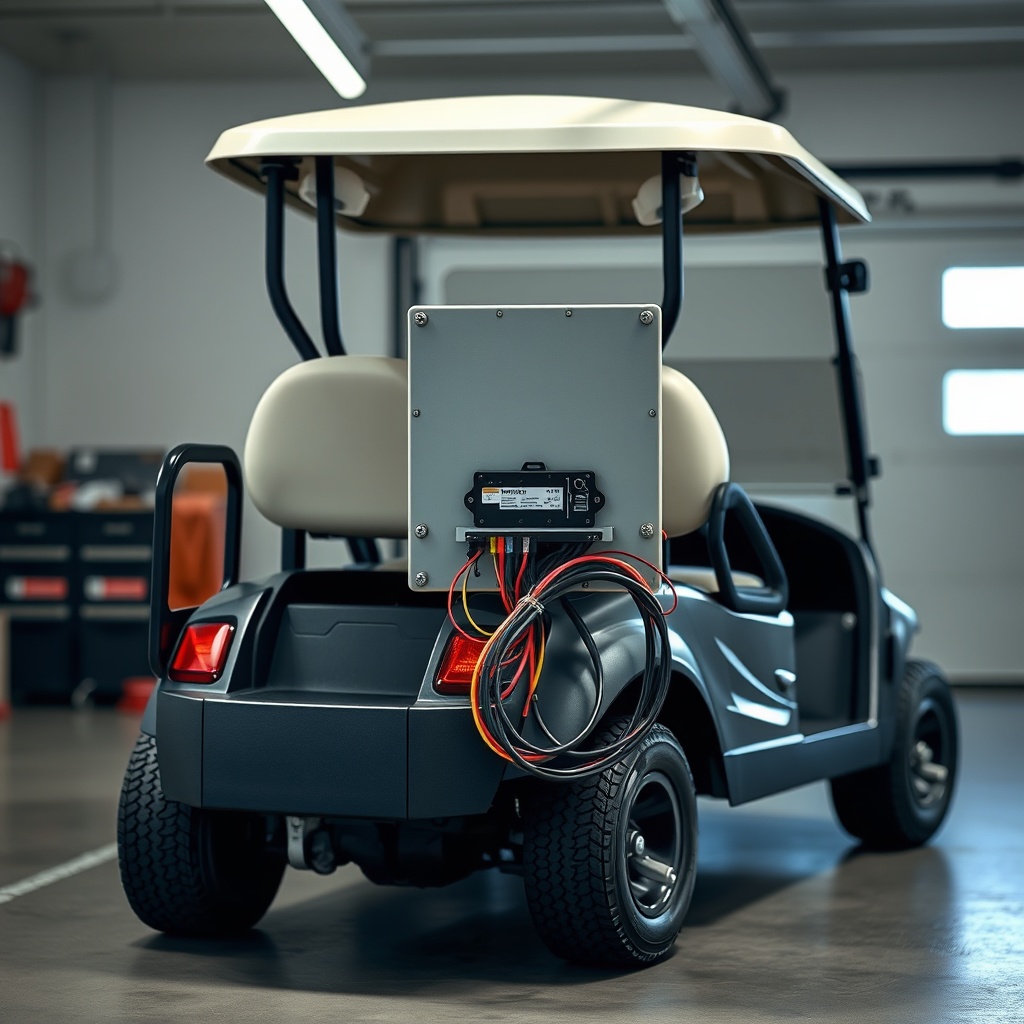
The speed controller (often called a motor controller) is the electronic brain of your CartCraft golf cart. It regulates the voltage and current sent from the battery pack to the motor, governing both maximum speed and acceleration curves. Factory settings are intentionally conservative to comply with local regulations (typically 19–25 km/h or 12–15 mph) and to protect the battery from excessive discharge.
When you increase the controller’s speed setting, you allow a higher voltage output to the motor, which raises the cart’s RPM ceiling. Similarly, adjusting the acceleration ramp rate—how quickly the controller feeds power when you press the pedal—determines how briskly you launch from a standstill. Most CartCraft carts use a Curtis or Navitas controller, both of which have configurable programming ports.
Before you begin, ensure your cart has enough high-performance battery capacity; a stock lead-acid pack can sag under increased current draw, reducing the benefits of tuning.
How Fast Can I Make My CartCraft Go Realistically?
The maximum speed you can achieve depends on your cart’s motor type, voltage (36V or 48V), and controller model. Here is a realistic benchmark table based on typical CartCraft configurations with factory tires:
| Configuration | Stock Speed (km/h / mph) | Tuned Speed (km/h / mph) | Controller Limitation |
|---|---|---|---|
| 36V, Series Wound Motor | 19 km/h / 12 mph | 27 km/h / 17 mph | Current limit ~300A |
| 48V, SepEx Motor | 24 km/h / 15 mph | 35 km/h / 22 mph | Voltage ceiling 55V |
| 48V, AC Induction Motor | 25 km/h / 16 mph | 40 km/h / 25 mph | Field weakening enabled |
| 72V Conversion (Li-Ion) | 29 km/h / 18 mph | 51 km/h / 32 mph | Controller max 72V |
Warning: exceeding 40 km/h (25 mph) on stock tires and suspension is unsafe. Upgrading to performance tires and heavy-duty suspension bushings is strongly recommended for stability.
Step-by-Step: How to Access and Program the CartCraft Controller
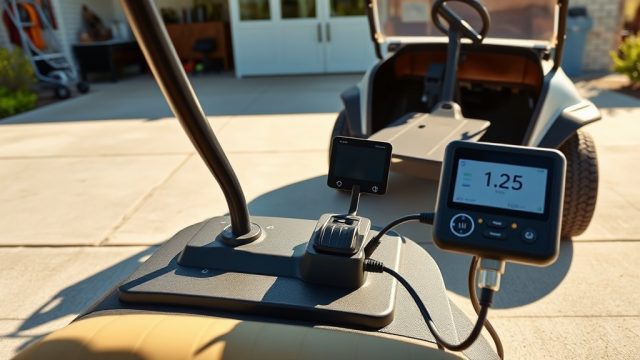
You will need a compatible handheld programmer (Curtis 1314 or 1313) or a laptop with CartCraft’s OEM software (available from your dealer). Follow these steps precisely:
- Step 1: Disconnect the main battery negative terminal. Wait 5 minutes for capacitors to discharge.
- Step 2: Locate the controller (usually under the seat or in a black box near the motor). Identify the programming port—typically a 4-pin Molex or 9-pin D-sub connector.
- Step 3: Connect the programmer and apply 48V by reconnecting the battery, but leave the key switch OFF.
- Step 4: Power on the programmer. Enter the controller menu (password often “0000” or “CURTIS”).
- Step 5: Adjust “Max Speed” (RPM limit) upward by no more than 20% initially. Also, increase “Accel Rate” (ramp time) from 3 seconds to 1.5 seconds for sharper response.
- Step 6: Save settings. Disconnect programmer, reconnect all wires, and test in a wide-open area.
If your cart fails to start after programming, check the solenoid and wiring first—most no-start issues are caused by loose connections, not the controller.
How Do I Tune Acceleration Without Sacrificing Battery Life?
Aggressive acceleration pulls peak current for longer, heating the controller and draining the battery faster. For a 48V CartCraft with sealed lead-acid, I recommend setting “Acceleration” (sometimes called “Torque”) between 65% and 75% of the maximum value. This provides a confident launch while limiting current spikes to 250A–300A.
If you have lithium-ion batteries (with a BMS rated for higher discharge), you can safely push acceleration to 90%—but keep an eye on voltage sag below 42V. For those running a stock lead-acid pack, pairing tuning with a torque converter maintenance check will help protect the drivetrain from shock loads.
What Are the Safety Limits for Controller Tuning on CartCraft Golf Carts?
Tuning is not without risk. Here are the key safety limits every owner must respect:
- Controller Thermal Limit: Most CartCraft controllers have a built-in temperature cutoff at 95°C (203°F). Running high speeds continuously on hot days can trigger thermal derating—performance drops abruptly.
- Motor Overrev: Exceeding 5000 RPM (typical for 48V motors) risks bearing damage and commutator arcing. Set your RPM limit to 4500 RPM at most.
- Braking Distance: Above 32 km/h (20 mph), stock mechanical brakes are marginal. You must upgrade to hydraulic discs if tuning past that speed.
- Tire Rating: Speed-rated tires (e.g., “S” or “H” rating) are essential; standard turf tires can delaminate above 30 km/h.
If you experience vibration or noise after tuning, inspect the differential and change the differential fluid—overheating can accelerate wear.
What Do CartCraft Owners Say After Tuning Their Speed Controller?
I’ve spoken with dozens of CartCraft owners across the UK and US. The overwhelming consensus: tuning transforms the driving experience, but expectations must be realistic. One owner in Kent (48V SepEx) reported a jump from 24 km/h to 34 km/h and said, “the cart now climbs hills without bogging down—it’s like a different vehicle.” Another in Florida (36V series) noted acceleration improved dramatically, but top speed only increased by 6 km/h due to motor limitations.
Common complaints include reduced run time (about 15–20% less range at high speeds) and the need for more frequent controller checks. Several owners stressed the importance of upgrading the lighting system for visibility after tuning—LED light bars help compensate for reduced reaction time at higher speeds.
Frequently Asked Questions
Q: Will tuning my CartCraft controller void the warranty?
A: Yes, unless done through an authorized CartCraft dealer. Many dealers offer a “performance unlock” that preserves partial warranty coverage.
Q: Can I tune a 36V cart to 48V speeds?
A: No, the motor’s voltage rating is fixed. A 36V motor can overheat if you exceed 36V input. You would need a full conversion kit.
Q: How much does a handheld programmer cost?
A: A Curtis 1314 model costs around £250–£320 (€290–€370) in the UK and €300–€400 on the continent. Some dealers rent them for £40/day.
Q: What if my cart has no programming port?
A: Older CartCraft models (pre-2015) may use a “speed magnet” or mechanical adjustment. Check the controller part number—Curtis controllers always have a port.
Q: Will tuning affect my cart’s hill-climbing ability?
A: Yes, positively. Tuning the acceleration and torque parameters increases low-end power, making steep inclines easier to navigate.
Q: Is it legal to drive a tuned golf cart on UK roads?
A: Only if the cart meets “light quadricycle” regulations (max 45 km/h, road-legal lights, and registration). Most carts are not road-legal above 25 km/h without approval.