Yamaha Drive2 PTV Tire Pressure Tips: Optimal PSI for Performance and Safety
Getting tire pressure right on your Yamaha Drive2 PTV is more than a routine check; it directly affects grip, battery range, ride comfort, and tyre wear. Many owners overlook this simple adjustment, yet a difference of just a few PSI can transform how the cart handles on pavement or turf. This guide gives you the exact pressures for different loads and terrains, plus the signs that tell you something is wrong.
What Is the Factory-Recommended Tire Pressure for a Yamaha Drive2 PTV?
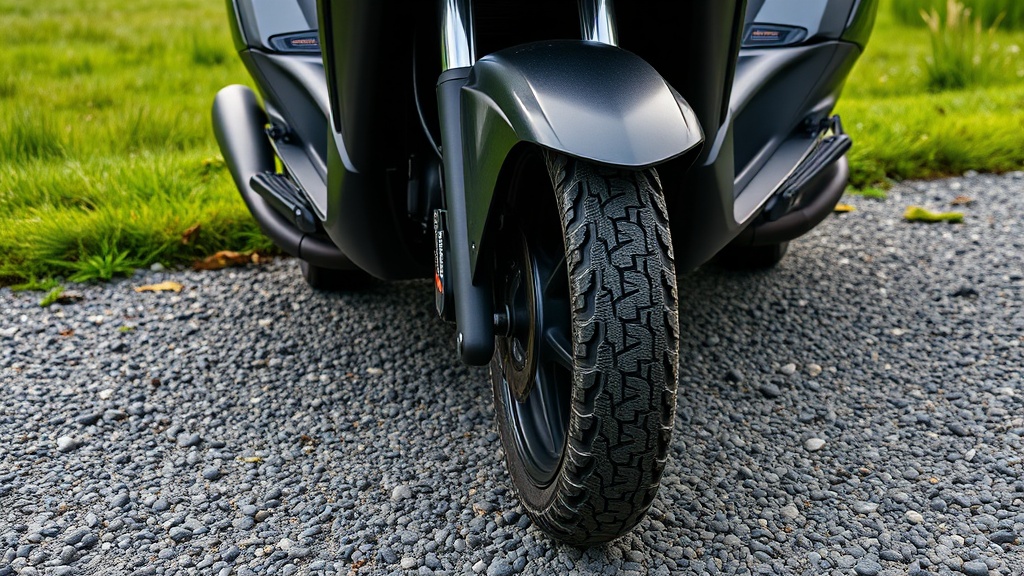
Yamaha specifies a cold tire pressure of 18–22 PSI (pounds per square inch) for the Drive2 PTV when fitted with standard 205/50-10 or 18×8.5-8 tyres. This range balances flotation on grass with stability on paved paths. For most everyday use—two passengers and light cargo—20 PSI in all four tyres works well.
If the cart carries a heavier load (four adults or a full tool box), increase rear tyre pressure to 24 PSI while leaving fronts at 20 PSI. This prevents sidewall flex and reduces rolling resistance. Never exceed 30 PSI on standard rims, as overinflation makes the ride harsh and reduces tyre footprint on wet surfaces.
How Does Tire Pressure Affect Battery Range and Speed?
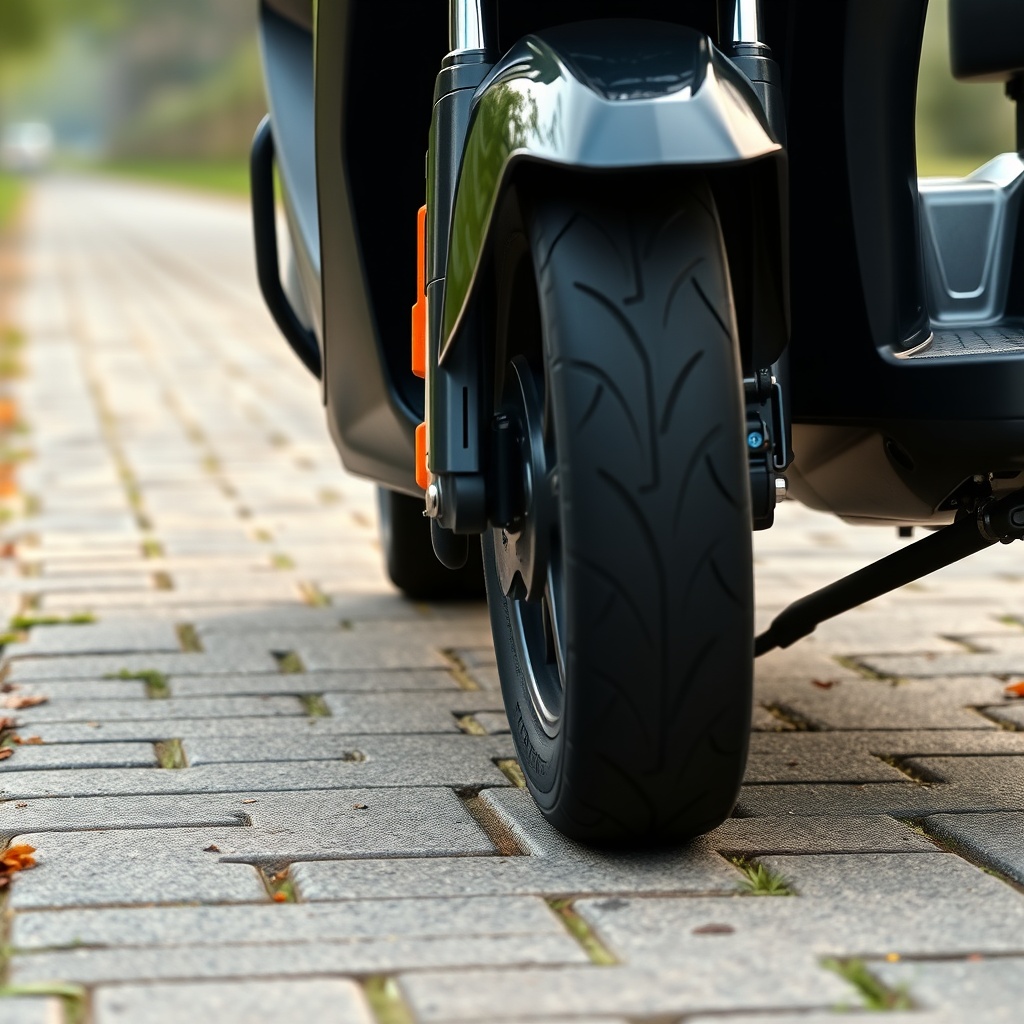
Underinflated tyres create more rolling resistance, which forces the electric motor to work harder. On a Yamaha Drive2 PTV Battery Charging Safety Tips for Long Life informed setup, a drop from 22 PSI to 14 PSI can reduce driving range by 12–18% per charge. You might notice the cart feels sluggish and the battery gauge drops faster.
Conversely, tyres inflated to 18 PSI on grass cause less damage to turf and dig in less on soft ground. For mixed use (80% pavement, 20% grass), keep 20 PSI front and 22 PSI rear. Speed is also affected: at 16 PSI, the cart may lose 1–2 mph on flat pavement compared to 22 PSI, because the motor has to overcome extra friction.
What Tire Pressure Should I Use for Off-Road or Grass Driving?
When taking the Drive2 PTV onto golf course turf, bumpy fields, or light off-road trails, lower pressure improves traction and comfort. Drop to 14–16 PSI for soft ground. This expands the tyre footprint, reducing ground pressure and preventing rutting.
- Hard-packed dirt/gravel: 18 PSI
- Loose sand or mud: 12–14 PSI (use with caution; avoid sharp turns)
- Wet grass: 15–18 PSI
Always return to standard pressures before driving on pavement again—low pressures on asphalt cause rapid tread wear and give less responsive steering. For those who frequently switch surfaces, consider a How to Replace Tires on a Yamaha Drive2 PTV guide to fit all-terrain tyres that hold up better at lower PSI.
How Do I Check and Adjust Tire Pressure Correctly?
Use a digital tyre gauge for accuracy—analogue gauges drift over time. Check tyres cold (before moving the cart more than a mile) because friction from driving heats the air and raises pressure by 2–4 PSI.
Step-by-step:
- Remove valve cap, press gauge firmly onto the valve stem until the hissing stops, read the display.
- If pressure is low, add air in short bursts (1–2 seconds each) with a portable inflator or gas station compressor.
- If too high, press the valve core with a small tool to release air until target is reached.
- Re-check every tyre; pressures should be within 1 PSI of each other on the same axle.
- Replace valve caps tightly to keep dirt out.
Adjust pressures whenever the season changes—hot weather raises baseline pressures, cold weather lowers them. For winter storage, increase to 24–26 PSI to prevent flat spots from forming.
Comparing Stock vs. Aftermarket Tyre Pressures for a Yamaha Drive2 PTV
Different tyre sizes and compounds call for different pressures. Here’s a comparison table for common Drive2 PTV tyre types:
| Tyre Type | Size | Recommended PSI (Front) | Recommended PSI (Rear) | Max PSI | Best Use |
|---|---|---|---|---|---|
| Stock turf | 205/50-10 | 18–20 | 20–22 | 28 | Pavement, golf course |
| All-terrain | 215/35-12 | 16–18 | 18–20 | 30 | Mixed surfaces |
| Off-road knobby | 22×11-10 | 12–14 | 14–16 | 24 | Mud, trails |
| Low-profile street | 195/50-10 | 22–24 | 24–26 | 32 | Pavement only |
Note that aftermarket wheels may have different load ratings. Always check the tyre sidewall for the maximum pressure printed there. Never exceed that number, even if the chart suggests a higher value.
What Are the Signs That Tire Pressure Is Wrong?
Your Drive2 PTV tells you when the pressures are off—if you know what to look for. Uneven tread wear is the clearest indicator:
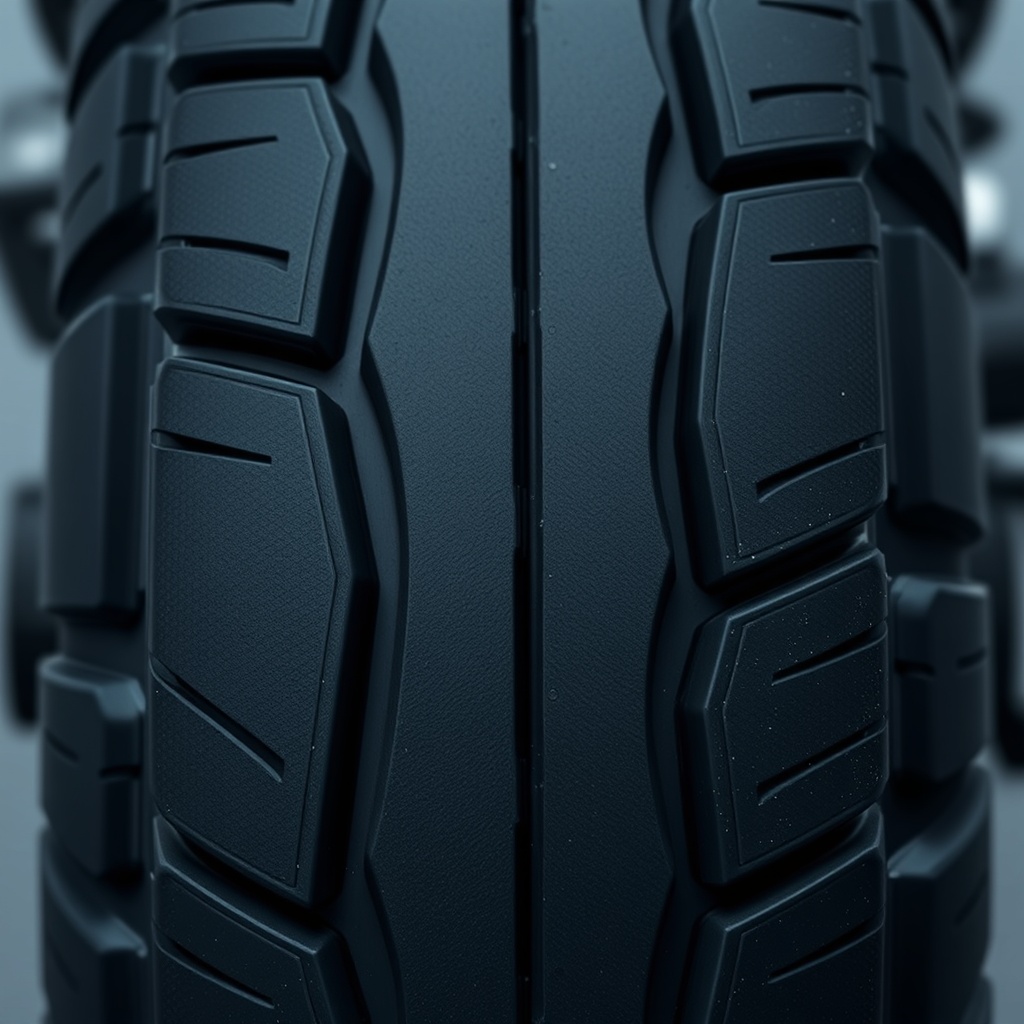
- Wear in the centre of the tread: overinflation (too much PSI).
- Wear on both edges only: underinflation (too little PSI).
- Wear on one edge: misalignment, often caused by low pressure on that corner.
Other symptoms include a steering wheel that pulls to one side (often a low front tyre), a rough ride even on smooth pavement (overinflated rear tyres), or reduced top speed and range (underinflated all round). If the cart feels unstable at higher speeds, check pressures immediately—this is a safety issue, especially if you have How to Remove the Governor on a Yamaha Drive2 PTV for More Speed modifications that let you go faster than stock.
What Owners Say About Tire Pressure Adjustments
Longtime owners on the CartCraft forum have shared their real-world findings. One user from Florida reported that dropping rear pressure from 22 to 18 PSI improved traction on his damp lawn so much that he no longer spun out on slopes. Another owner in Arizona keeps his all-terrain tyres at 16 PSI for desert washes and says the ride is far more comfortable than at 22 PSI.
A common tip is to carry a small 12V inflator and a gauge in the storage compartment—pressures can drop 2–3 PSI overnight in cold weather. Several owners also note that after a Best Suspension Upgrades for the Yamaha Drive2 PTV, lower tyre pressures (14–16 PSI) pair better with softer springs for a plush ride without bottoming out.
One caution: if you have How to Replace Brake Pads on a Yamaha Drive2 PTV done, check pressures after new pads—sometimes removal of wheels leads to unintended pressure loss from a dusty valve. And for those concerned with braking distance, a Yamaha Drive2 PTV Brake System Inspection: Signs of Wear and When to Replace Components should include a tyre pressure check as step one.
Frequently Asked Questions
Q1: What PSI is best for a stock Yamaha Drive2 PTV on pavement?
A: 20 PSI front, 22 PSI rear is ideal for two passengers and light cargo. For four adults, increase rears to 24 PSI.
Q2: Can I run the same pressure in front and rear?
A: Yes, but 20 PSI all around works best for level terrain and equal load. For heavier loads, the rears need higher PSI to support weight and prevent sidewall flex.
Q3: How often should I check tyre pressure?
A: At least once every two weeks, and always before long trips. Pressure can drop 1–2 PSI per month through natural permeation.
Q4: What happens if I drive with 10 PSI?
A: Severe underinflation—the tyre will overheat, tread may separate, and you risk a blowout. The cart will feel sluggish and battery range will drop significantly. Stop immediately and inflate.
Q5: Does temperature affect PSI on electric golf carts?
A: Yes, very much so. For every 5°C drop in ambient temperature, tyre pressure can fall 1 PSI. Check pressures when seasons change, especially before winter storage.
Q6: Can I use a car tyre gauge for my Drive2 PTV?
A: Yes, any standard tyre gauge works, but digital gauges are more accurate for low-pressure ranges (10–30 PSI). Avoid using a pencil-type gauge that may read incorrectly below 20 PSI.