

How to Remove the Governor on a Yamaha Drive2 PTV for More Speed
If you own a Yamaha Drive2 PTV and find yourself wanting a bit more pace on the course or around the neighborhood, removing the governor is a common first step. This simple adjustment can unlock noticeable top-end speed, but it must be done carefully to avoid damaging the engine or drivetrain. Below, we walk through exactly what the governor does, why you might consider removing it, and the step-by-step process for a Yamaha Drive2 PTV.
What Does the Governor Do on a Yamaha Drive2 PTV?
The governor is a mechanical or electronic device that limits the engine’s maximum RPM to protect the powertrain from over-revving. On the Yamaha Drive2 PTV, the governor typically restricts top speed to around 14–16 mph (22–26 km/h) out of the factory. This limit is set to keep the cart safe, reduce wear on components, and comply with local speed regulations for Personal Transport Vehicles.
When you remove or adjust the governor, you allow the engine to reach higher RPMs, which translates directly to more speed. However, this also increases stress on the belts, clutches, and engine internals. Most owners can safely gain 3–6 mph (5–10 km/h) with a simple spring adjustment or cable modification, but full removal requires careful tuning to prevent damage.
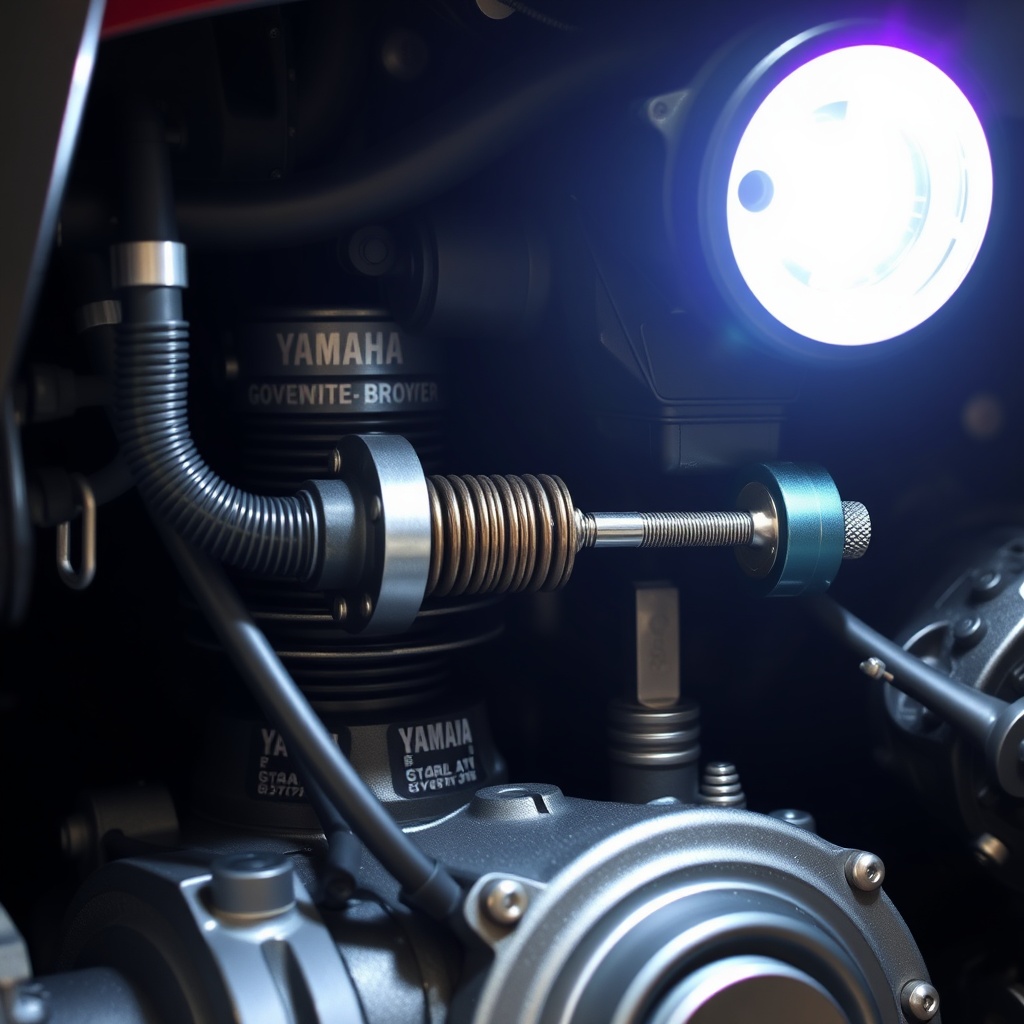
How Do I Access the Governor on a Yamaha Drive2 PTV?
The governor assembly on the Drive2 PTV is located on the passenger side of the engine, near the carburetor and throttle linkage. You will need a 10mm socket, a flathead screwdriver, and a pair of pliers to adjust or remove the mechanism. Start by lifting the seat and removing the engine access panel—usually two 10mm bolts hold it in place.
Once the panel is off, look for the governor arm which is connected to a spring that runs to the throttle plate. There is also a small cable that links the governor to the pedal. For the typical speed increase, you can simply shorten the spring or reposition the governor arm to a less restrictive hole. If you want full removal, you must disconnect the governor arm and tie it back so it no longer actuates, then adjust the throttle travel.
What Are the Speed Gains After Removing the Governor?
Real-world results vary depending on the specific model year, engine condition, and how much you modify. With a partial adjustment (tightening the spring about half an inch), most owners report speeds between 18–21 mph (29–34 km/h). Full removal with proper throttle stop adjustment can push a stock engine to 23–25 mph (37–40 km/h) on flat ground.
Going beyond 25 mph requires additional upgrades such as a larger carburetor or performance clutch kit, but is rarely recommended for a stock PTV. Keep in mind that the stock brakes and suspension on the Drive2 are not designed for sustained high-speed runs—always upgrade those first if you plan to drive above 20 mph regularly. See our Best Suspension Upgrades for the Yamaha Drive2 PTV and How to Replace Brake Pads on a Yamaha Drive2 PTV articles for companion upgrades.
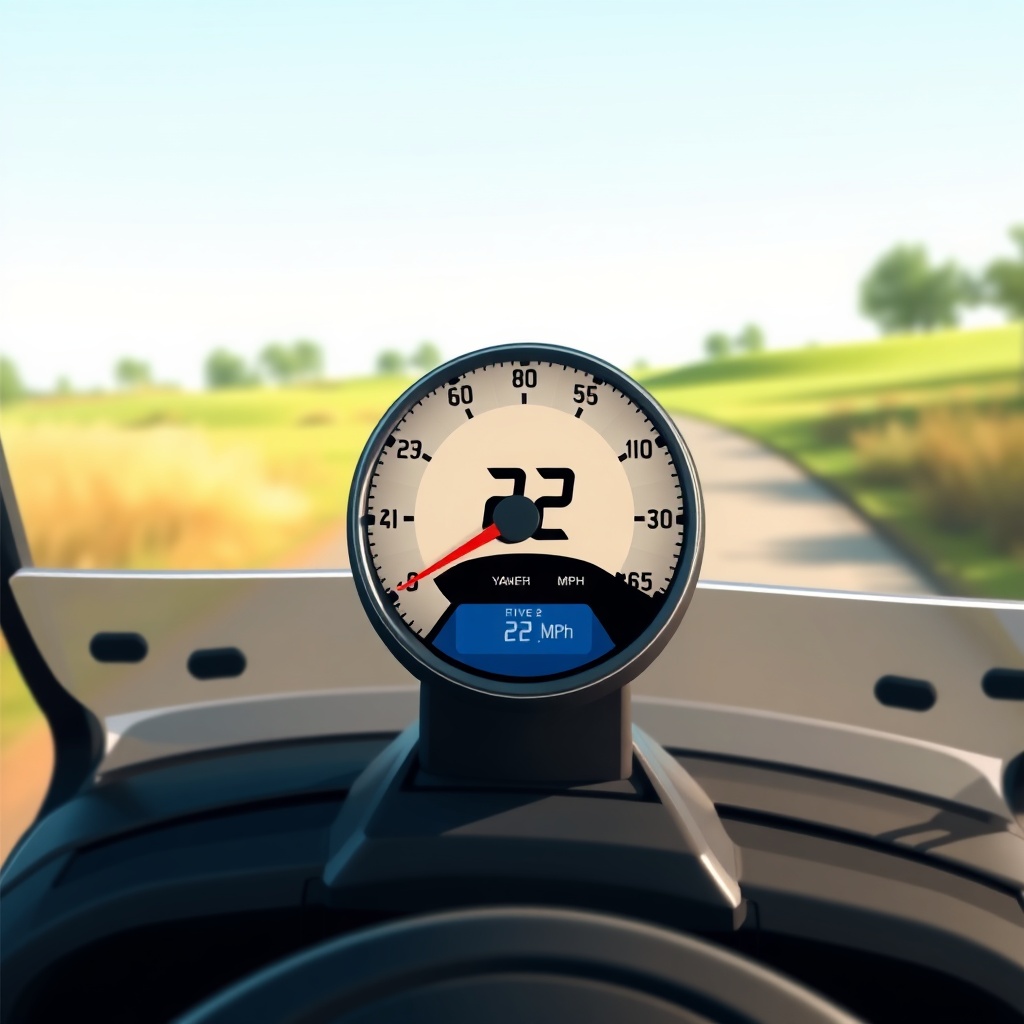
What Are the Risks of Removing the Governor on a Yamaha Drive2 PTV?
Removing the governor carries a few important risks. First and foremost, over-revving the engine can cause valve float or even a blown head gasket—especially on older 301cc engines. Second, the clutch system (the primary and secondary sheaves) may overheat and wear out faster at sustained high RPMs. Belt life will also decrease, potentially from 2–3 years to under a year with aggressive driving.
Finally, removing the governor can make your vehicle non-compliant with local street-legal laws. Many neighbourhoods or golf courses enforce speed limits for PTVs, and if you need to pass an inspection, you will want to be able to return the governor to stock easily. Most experienced owners opt for an adjustable kit that allows you to switch between governed and ungoverned settings in under ten minutes.
| Severity Level | What It Means for Your Yamaha Drive2 PTV |
|---|---|
| Not Urgent (Adjustment Only) | Simply tightening the governor spring or moving the arm to a lower travel setting. Gains 2–4 mph with minimal risk. You can revert to stock in under 20 minutes. |
| Needs Attention Soon (Full Removal) | Disconnecting the governor completely and adjusting throttle travel. Gains 5–8 mph but requires careful RPM monitoring, upgraded brakes, and potentially a tachometer to prevent engine damage. |
How Much Does It Cost to Remove the Governor?
The cost is essentially zero if you do it yourself—just your time and a few common tools. If you want a professional installation, a local golf cart shop will typically charge £50–£100 (approximately $65–$130 USD) for the labour. Some owners prefer to buy a governor delete kit with a stronger return spring and a tachometer; these kits run around £20–£40 ($25–$50 USD) online and include everything you need.
If you are not comfortable working on the carburetor linkage, it is wise to pay for professional installation. Miscalibrating the throttle can lead to a runaway engine, which is dangerous. Also, consider that after removing the governor, you will want to check your battery health—see our Yamaha Drive2 PTV Battery Range Test: Real-World Results article to ensure your battery can handle the extra load.
What Do Owners Say About Removing the Governor?
— “I did the spring adjustment on my 2019 Drive2 PTV and went from 15 mph to 19 mph. Huge difference on the course. I just tightened the spring about two twists—took five minutes.” — Mark T., Florida
— “I removed the governor completely and hit 24 mph on flat ground. But after three months, my drive belt started slipping. I had to replace it and install a heavy-duty clutch kit. Worth it for the speed, but you pay in maintenance.” — Sarah J., Texas
Frequently Asked Questions
- Will removing the governor void my Yamaha Drive2 PTV warranty?
If your cart is still under the original factory warranty, removing the governor can void the powertrain coverage. Most dealers will check for signs of modification during claims. It is best to wait until the warranty expires or use an adjustable method. - Can I remove the governor without special tools?
Yes. You only need a 10mm socket, pliers, and a screwdriver. However, a tachometer is strongly recommended to monitor RPM and avoid over-revving beyond 3,800–4,000 RPM on stock engines. - How do I know if my governor is already adjusted?
Check the governor arm position. If the spring is very tight or the arm appears to have been moved to a different hole, it has likely been adjusted. Stock settings are usually loose with the arm in the middle hole. - Is it legal to remove the governor on a PTV?
It depends on your local laws. Many areas classify PTVs as low-speed vehicles (LSVs) with maximum speed limits of 20–25 mph. If you exceed that, you may no longer be street-legal. Check your local highway code before modifying. - What is the maximum safe RPM for a stock Yamaha Drive2 PTV engine?
The stock 301cc and 357cc engines are safe up to about 3,800 RPM for short bursts. Continuous operation above 4,000 RPM risks valve damage. Always use a tachometer when testing after governor removal. - Can I combine governor removal with a muffler upgrade?
Absolutely. A less restrictive muffler helps the engine breathe at higher RPMs, which can improve throttle response and top speed. Just be aware that noise levels will increase. Consult a local shop to ensure compatibility with your specific model year.