

If your Club Car Onward 4 Passenger feels slower than it used to, or you want more acceleration for hills and street driving, the speed controller is the key component to tune. Adjusting the controller’s parameters can unlock extra miles per hour without any mechanical changes. This guide covers the practical steps and safety precautions for tuning the speed controller on your Onward 4 Passenger.
What Speed Controller Does the Club Car Onward 4 Passenger Use?
The Club Car Onward 4 Passenger typically ships with either a Curtis 1515 or a Curtis 1268 programmable controller, depending on the model year and whether it’s an AC or DC drive system. The DC models (often with the 1515) are common in 2020-2023 builds, while newer AC drive carts use the 1268. Both controllers are fully programmable via a handheld programmer or laptop software. The controller regulates power delivery to the motor, governing top speed and acceleration curves. Stock settings usually limit top speed to around 14–15 mph for safety and battery range, but tuning can safely increase that to 19–20 mph on level ground with the right tire setup.
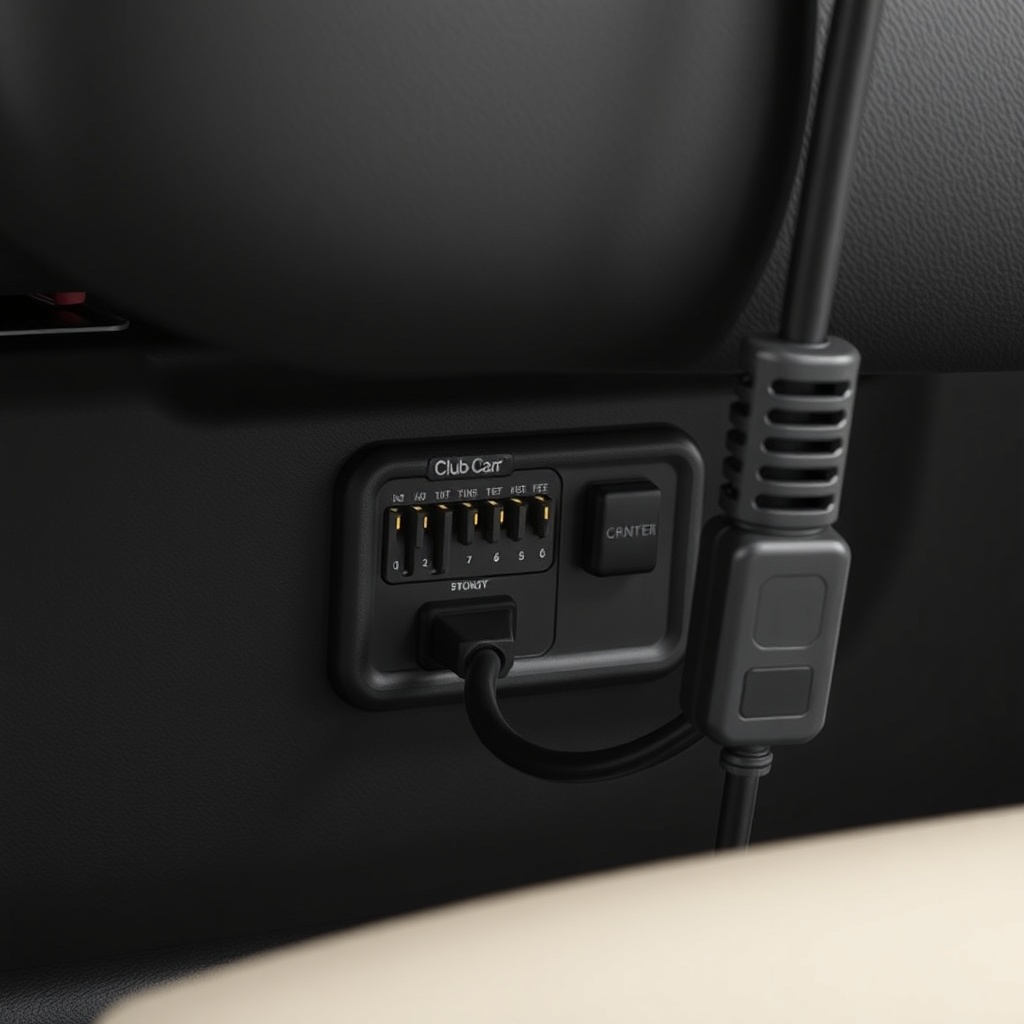
Before you plug in a programmer, confirm your controller model by looking at the label under the passenger-side seat or near the motor. A 1515 controller has a single 16-pin connector, while the 1268 uses a 6-pin Deutsch connector for programming.
What Tools Do I Need to Tune the Speed Controller on a Club Car Onward 4 Passenger?
You will need a compatible programmer. For the Curtis 1515, the Club Car 1075 handheld programmer (part number 102697001) is the standard tool, costing around £250–£300 new. For the Curtis 1268 on AC drive carts, you need the Curtis 1313-4401 programmer or a laptop with Curtis PC Programming Station software and a USB-TO-CAN adapter (around £350–£400). You’ll also need a fully charged battery pack (minimum 48V on most Onward 4 Passenger models) and a digital multimeter to verify voltage at the controller’s B+ terminal before making any changes.
Safety equipment includes insulated gloves and eye protection, as high voltages are present. If you’re not comfortable working with 48V DC systems, Club Car Onward 4 Passenger Battery Charging Tips for Long Life emphasises that proper battery health is essential before any performance tuning.
What Are the Step-by-Step Steps to Change Speed Parameters?
Step 1: Access the Controller
Turn the key to OFF and disconnect the main battery pack negative cable. Remove the passenger-side seat cushion. Locate the controller behind the battery compartment or under a plastic cover. Use a multimeter to confirm zero voltage between B+ and B- terminals.
Step 2: Connect the Programmer
Plug the programmer into the controller’s programming port. For the 1515, it’s the 16-pin connector near the main harness. For the 1268, use the Deutsch connector. Turn the key to ON, and the programmer should power up and show the current parameters.
Step 3: Adjust Speed Settings
Navigate to the “Speed” or “Max Speed RPM” parameter. The default is typically set to 3,500–4,000 RPM for the motor. Increasing to 5,000 RPM usually yields a top speed around 19–20 mph with stock 18-inch tyres. For street use, Best Tire Size Options for the Club Car Onward 4 Passenger explains that larger tyres can raise speed further but require torque adjustments.
Step 4: Save and Test
Save the new parameters, disconnect the programmer, and reconnect battery cables. Take a test drive on level ground with a GPS speedometer app. If the cart lurches or cuts out, reduce the RPM limit by 200–300. If you hear the motor whining excessively, do not exceed 5,500 RPM on a stock motor to avoid overheating.
What Are the Risks of Tuning the Speed Controller Beyond Stock Limits?
| Risk Level | Description |
|---|---|
| Usually Not Urgent | Reduced battery range: increasing speed draws more amps per mile. Expect a 10–15% drop in range if you raise top speed from 14 mph to 19 mph. Battery cables may warm up but remain safe within ratings. |
| Needs Attention Soon | Overheating the controller or motor: continuous high-speed runs above 20 mph on stock components can cause thermal cutback. If the cart feels sluggish after 10 minutes, lower the RPM limit or install a motor fan. How to Install a Lift Kit on a Club Car Onward 4 Passenger notes that lifted carts need torque adjustments to prevent strain. |
Also note that modifying the controller may void your warranty if performed by an unauthorised dealer. Club Car’s policy typically states that any parameter change outside factory spec can cancel coverage. Always document your original settings before making changes (write them down or photograph the programmer screen).
How Do I Tune Acceleration and Torque on the Club Car Onward 4 Passenger?
Beyond speed, tuning the controller’s “Acceleration Rate” and “Torque” parameters can dramatically improve how the Onward 4 Passenger responds to the throttle. The stock acceleration curve is conservative to prevent wheel spin. You can increase the “Accel Rate” from the factory setting (often 5 on a scale of 1–10) to 8 for sporty starts without jarring the passengers. For hill climbing, raise the “Max Torque” parameter from 100% to 110% if your controller allows—this helps when the cart is loaded with four adults and climbing a 15% grade.
On AC drive models with the Curtis 1268, you can also adjust “Regen Braking” strength. Setting it to 3–4 (out of 10) gives stronger slowing when you lift off the throttle, which is useful for towing or driving on steep declines. Test on a quiet road first, because too much regen can feel harsh.
How Can I Verify My Club Car Onward 4 Passenger’s Speed After Tuning?
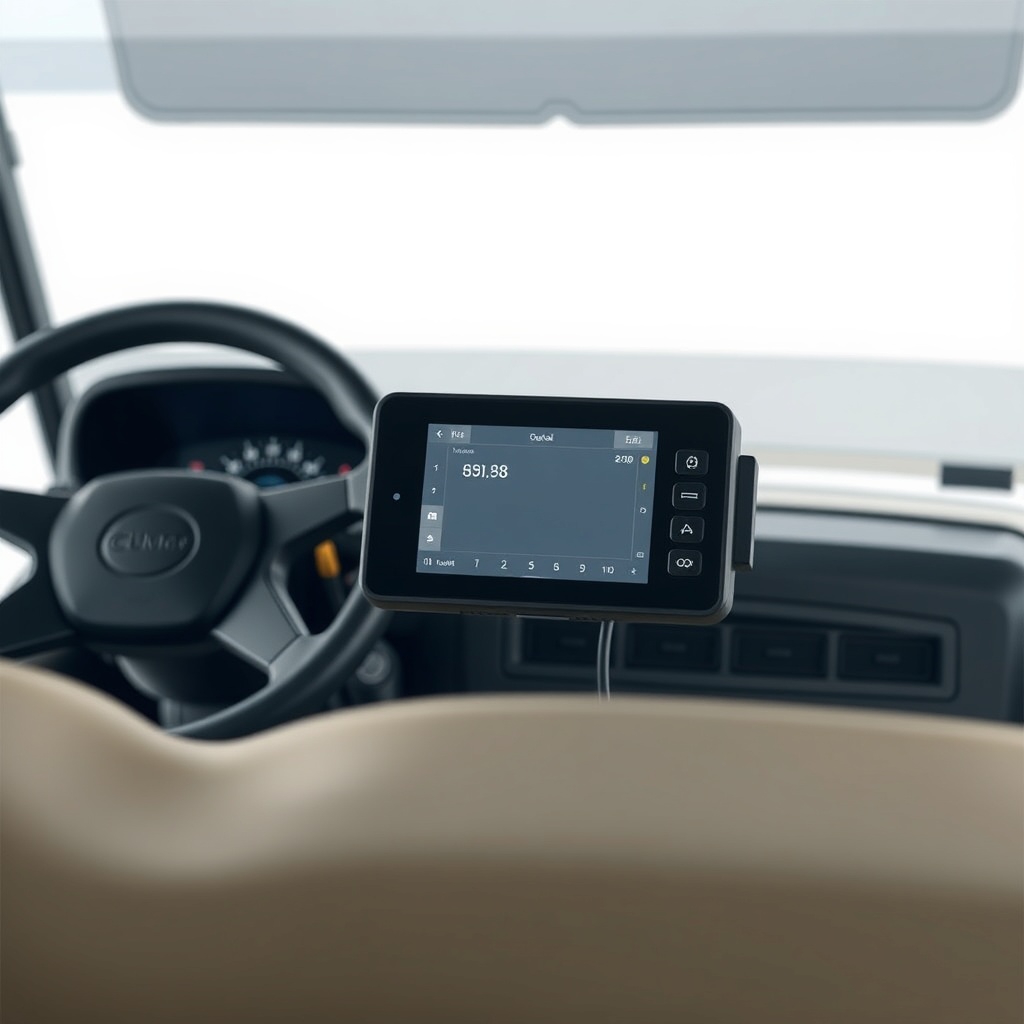
Don’t trust the cart’s factory speedometer if it has one—it’s often inaccurate after tuning. Use a standalone GPS speedometer app on your smartphone (like Ulysse Speedometer for iOS or GPS Speedometer for Android) and hold the phone steady on the passenger seat. Drive on a flat, straight stretch of road for at least 200 metres. Record the peak speed after 10 seconds of full throttle. Repeat three times and average the readings. If the speed is lower than expected, check the controller’s RPM limit hasn’t been inadvertently reduced by other parameters like “Max RPM Override” or “Speed Limit Enable.”
Also verify the speed with the cart on a level surface and the parking brake off. A difference of 1–2 mph between runs is normal due to wind and battery voltage. If the cart won’t exceed 14 mph despite the controller set to 5,000 RPM, the motor may have a speed governor or the controller might need a software reset.
What Owners Say
“I tuned my 2021 Onward 4 Passenger from 14 mph to 19 mph using the Club Car 1075 programmer. The ride feels much zippier around the neighbourhood, but I noticed the battery drains quicker—I went from 40 miles range to about 33 miles with four people aboard. I plan to upgrade to lithium batteries next.” — James T., Florida
“After lifting my Onward 4 Passenger and putting 23-inch tyres, the cart felt sluggish on hills. I adjusted the torque curve from 100% to 110% and the Accel Rate to 7. It now climbs our 12% driveway without hesitation, but top speed dropped to 17 mph due to the larger tyre diameter. Best Tire Size Options for the Club Car Onward 4 Passenger helped me select the right tyres to balance speed and torque.” — Carla M., Texas
“I had a 2023 AC drive model and used the Curtis 1313 to increase the regen braking to level 4. It’s great for keeping speed down on descents, but my wife found it too aggressive. I settled on level 3 and it’s perfect. The onboard software update also fixed a random cutting-out issue I had.” — Steve K., Arizona
Frequently Asked Questions
Can I tune the speed controller without a programmer?
No. The Club Car Onward 4 Passenger requires a Curtis handheld programmer or laptop software to adjust speed parameters. There is no user-accessible knob or dip switch on the controller.
Will tuning void my Club Car warranty?
Yes, if the dealer detects parameter changes. Some dealers will still honour warranty claims for non-motor issues, but it’s safest to revert to the original settings (record them first) before any service visit. 2025 Golf Cart Buying Guide: Yamaha vs Club Car vs EZGO discusses warranty policies across brands.
What is the maximum safe speed for a stock Club Car Onward 4 Passenger?
With proper tuning and stock 18-inch tyres, 19–20 mph is safe for the motor and controller. Going beyond 22 mph risks overheating and controller failure. Upgraded motor or controller may allow higher speeds, but is beyond this guide.
Does tuning affect battery life significantly?
Yes. Higher speeds increase amp draw, reducing range by 10–15% on average. With lead-acid batteries, you may also see slightly faster voltage sag. Club Car Onward 4 Passenger Battery Charging Tips for Long Life offers tips to mitigate range loss.
Can I reverse the speed controller to factory settings?
Yes. If you saved the original parameters before tuning, you can re-enter them via the programmer. If you didn’t, many dealers can restore factory defaults using a diagnostic tool. Alternatively, a new controller will come with stock settings.
Do I need to update firmware after tuning?
Not necessarily. Firmware updates are mainly for bug fixes. The Curtis 1268 on AC models sometimes benefits from a firmware update to improve regen braking smoothness. Check with your Club Car dealer if you experience odd behaviour after tuning.