Why Does Lithium Battery Safety Matter for Your CartCraft Golf Cart?
Lithium batteries have transformed the golf cart industry, offering longer range, reduced weight, and faster charging than traditional lead-acid alternatives. However, with these benefits comes a heightened responsibility for safe charging practices. Overheating and fire hazards, while rare, can occur if the battery management system (BMS) is compromised or if charging protocols are ignored. For CartCraft owners, understanding how to prevent these risks is essential to protect both the vehicle and the investment. This article outlines critical safety tips for lithium battery charging, from choosing the right charger to monitoring temperature, and integrates seamlessly with other key maintenance areas such as the CartCraft Golf Cart Solenoid Replacement and Troubleshooting for No-Start Issues and CartCraft Golf Cart Battery Water Level Maintenance: Keep Your Batteries Healthy.
What Is the Ideal Charging Environment for CartCraft Lithium Batteries?
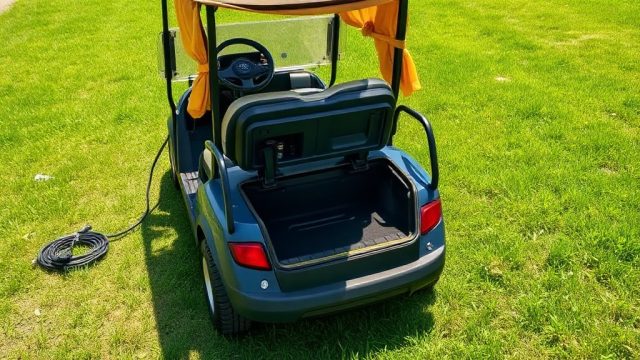
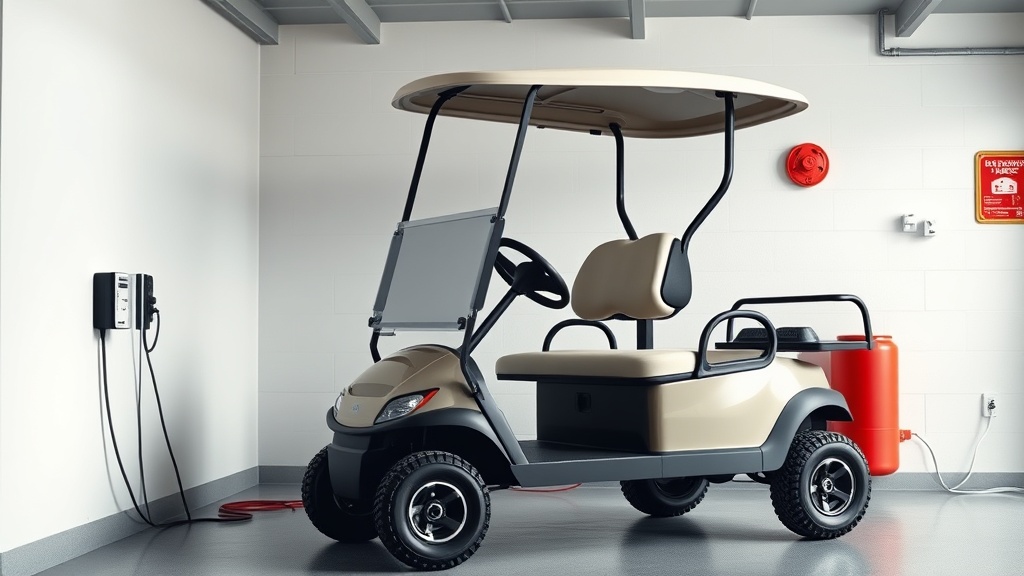
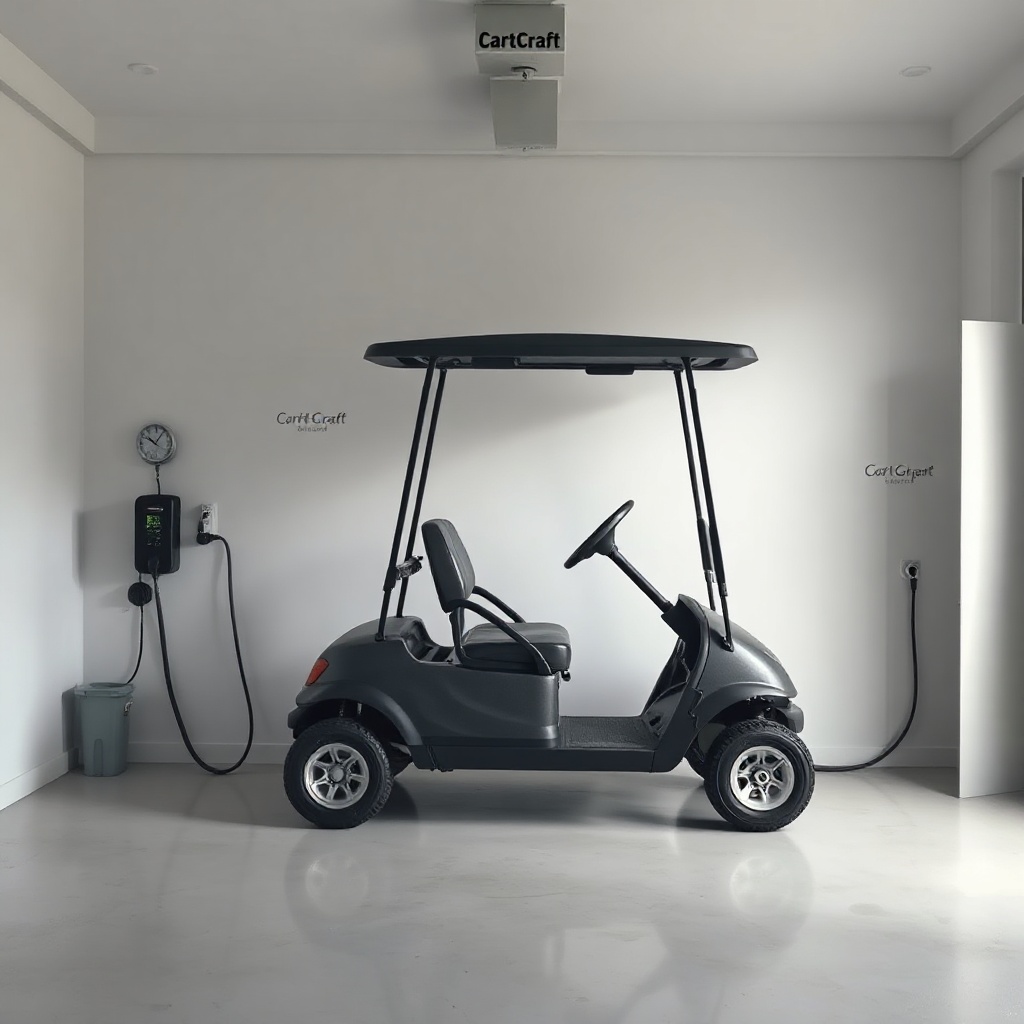
Lithium batteries are sensitive to ambient conditions. Charging them in extreme temperatures—below 0°C or above 45°C—can cause internal cell stress, leading to overheating and potential thermal runaway. For CartCraft owners, this means avoiding garage charging during summer heatwaves or winter freezes without climate control. Ideally, charge your golf cart in a cool, dry environment with good ventilation. The battery should sit at room temperature (10°C to 30°C) for at least one hour before plugging in. Use a dedicated circuit rated for at least 15 amps to prevent voltage drops that confuse the BMS. If you notice the charger fan running excessively or the battery casing feeling warm to the touch (above 40°C), stop charging immediately and move the cart to a shaded area.
How Can You Identify Signs of an Overheating Lithium Battery in Your CartCraft?
Recognising early warning signs is your first line of defence. A healthy lithium battery during charging should feel slightly warm but not hot. Key indicators of overheating include:
- Physical swelling – a bulging casing, especially near the terminals.
- Unusual odours – a sweet, chemical, or burning smell from the battery compartment.
- Excessive heat – the battery surface exceeds 50°C within the first hour of charging.
- BMS error codes – flashing lights or audible alarms on the charger or dashboard.
- Voltage irregularities – a fully charged battery reading below 48V or cells that show more than 0.2V difference from each other.
If any of these signs appear, disconnect the charger from the wall socket first (not the cart), then from the battery. Inspect the battery in a well-ventilated area and consult a CartCraft technician. These steps also complement regular checks on the CartCraft Golf Cart Speed Controller Tuning Guide: Increase Top Speed and Acceleration to ensure safe performance across all systems.
Which Charging Equipment Is Certified Safe for CartCraft Lithium Batteries?
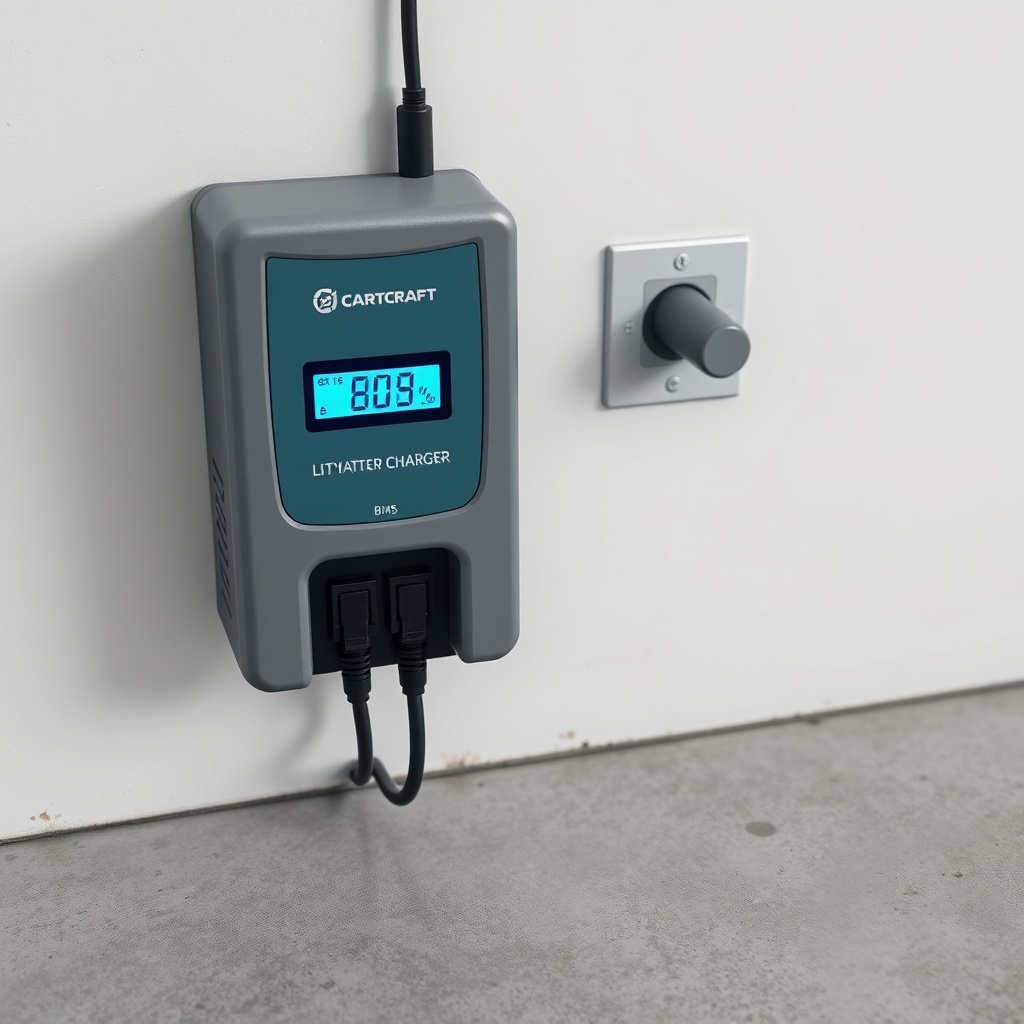
Using the wrong charger is the leading cause of lithium battery incidents. CartCraft recommends only chargers with built-in BMS communication that match your battery’s chemistry (LiFePO₄ or NMC) and voltage (commonly 48V or 72V). Below is a comparison table of common charger types and their suitability for CartCraft lithium setups.
| Charger Type | Voltage Output | BMS Communication | Certification | Risk Level | Price Range (GBP) |
|---|---|---|---|---|---|
| CartCraft OEM Lithium Charger | 48V / 58.4V | Yes (CAN bus) | UKCA, CE, UL 2580 | Low (recommended) | £250–£380 |
| Third-Party “Universal” Smart Charger | 48V–72V adjustable | Partial (some models) | CE, ROHS (varies) | Medium | £150–£280 |
| Lead-Acid Charger (Modified) | 48V constant | No | None | High – avoid | £60–£120 |
| High-Frequency Industrial Charger | 48V / 72V | Yes (protocol specific) | UL 1564, EN 60335 | Low (if compatible) | £400–£650 |
Always verify that your charger’s constant voltage does not exceed the battery’s maximum charge voltage (typically 3.65V per cell for LiFePO₄). Using a lead-acid charger—even temporarily—risks overcharging and fire. If you are unsure, upgrade to a CartCraft-approved unit and check your CartCraft Golf Cart Throttle Response Tuning: Adjust Your Accelerator for Smoother Starts for complementary performance optimisation.
What Maintenance Steps Prevent Charging Hazards in CartCraft Lithium Systems?
Lithium batteries require less daily maintenance than lead-acid, but neglecting the system invites trouble. Follow these steps for safe and long-lasting performance:
- Inspect terminals quarterly – clean any corrosion using a dry cloth and apply anti-corrosive spray. Tighten connections to the torque specification in your manual (usually 8–12 N·m).
- Monitor BMS health – use a Bluetooth app or display to check cell voltages monthly. A delta of 0.1V between cells is normal; above 0.2V indicates imbalance that should be addressed by a professional.
- Keep the battery dry – water ingress can short-circuit cells. Wash the battery compartment only with a damp cloth, never a hose, and dry thoroughly.
- Update firmware – CartCraft periodically releases BMS firmware updates. These optimise charge algorithms and fix rare overvoltage bugs. Check your dealer or the official website.
- Replace worn connectors – if you see melting, pitting, or loose fit on the Anderson or SB connectors, replace them immediately. A poor connection generates heat via resistance.
These steps also reduce wear on related systems such as the CartCraft Golf Cart Suspension Noise Diagnosis and Fix: Common Causes and Solutions by preventing electrical issues that mimic mechanical problems.
What Do CartCraft Owners Say About Lithium Battery Safety?
Real-world feedback highlights the importance of these practices. James T. from Nottingham (owner of a 2023 CartCraft XC with a 105Ah lithium pack) says: “I ignored the charger warning once—thought it was a false alarm. Let the pack sit for 24 hours, and it swelled like a balloon. Took it to a specialist who confirmed the BMS was just sensing imbalance. Now I check voltages every month and run an equalisation charge. No issues since.” Sarah L. from Glasgow (CartCraft Eco 2024) adds: “I bought a cheap third-party charger from eBay. After two weeks, the cartridge melted. I spent more on a CartCraft OEM charger than I saved. The peace of mind is worth it.” Dave R. from Cardiff (CartCraft Sport with 120Ah NMC) remarks: “I always charge in my workshop at 18°C with a fire blanket nearby. After reading a forum post about thermal runaway, I installed a smoke detector above the cart. It’s overkill, but I sleep better.” These anecdotes reinforce that proactive safety measures—like proper charging gear and vigilance—are non-negotiable.
Frequently Asked Questions
1. Can I charge my CartCraft lithium battery overnight?
Yes, most modern Lithium Iron Phosphate (LiFePO₄) batteries in CartCraft carts have a robust BMS that stops charging when full. However, avoid leaving it unattended for more than 12 hours. If you have a timer, set it to stop charging at a 100% state of charge (typically 5–7 hours for a 50Ah pack from empty at 10A). Charge in a well-ventilated area.
2. What temperature is too hot for charging a CartCraft lithium battery?
Lithium batteries should not be charged when the ambient temperature exceeds 45°C (113°F). If your garage is hotter—say, after a summer day—wait until it cools below 35°C before plugging in. Charging at 40°C is acceptable but reduces cycle life. Use a temperature probe if your BMS supports it.
3. How do I know if my CartCraft lithium battery BMS is failing?
Common signs include unbalanced cells (voltage differences >0.3V between any two cells, or one cell reading low while others are normal), random error codes on the display, or the charger refusing to start a cycle. If the battery heats up quickly during charging (above 55°C within 20 minutes), the BMS may be unable to manage current. Contact a CartCraft service centre for diagnostic.
4. Can I jump-start a CartCraft with a lithium battery if it dies?
Never jump-start a lithium battery with a car or lead-acid charger. The high current can rupture cells or cause a fire. If your CartCraft has a dead lithium battery, use a compatible lithium-specific charger or a portable jump pack designed for 48V lithium systems. Alternatively, tow the cart to a charging station with a proper charger.
5. What fire extinguisher should I keep near my CartCraft when charging?
For lithium battery fires, a Class D fire extinguisher (for metal fires) is recommended, but these are rare. A more practical choice is a Class ABC extinguisher with a lithium-compatible rating, but note that lithium fires require cutting off oxygen—sand or a fire blanket is often more effective for small cells. Keep a fire blanket near the charging area and ensure it is rated for lithium batteries.
6. Do I need to unplug the CartCraft charger after every charge?
Yes, as a best practice. Even with a BMS, leaving the charger connected for days at 100% state of charge can stress cells and degrade capacity. For longest life, disconnect the charger within one hour of reaching full charge. If you have a timer, set it to cut off at the estimated full charge time.
For further reading on maintaining your CartCraft golf cart, explore the CartCraft Golf Cart Steering System Upgrade: Improve Handling and Reduce Play and the solenoid replacement guide. Safe charging starts with knowledge and vigilance.