Introduction
Proper battery charging is the single most important maintenance task for any CartCraft golf cart owner. A well-maintained battery pack can last five to seven years, while neglect can halve that lifespan—costing upwards of £800 to replace. This guide covers the six most common charging mistakes and how to avoid them, ensuring your CartCraft stays reliable on the fairways and beyond.
What Happens If You Overcharge a CartCraft Battery?
Overcharging is the fastest way to destroy a lead-acid battery. When a charger continues to supply current after the battery is full, electrolyte starts to boil away, releasing hydrogen gas and causing the plates to shed active material. In severe cases, the battery case can swell or crack, creating a safety hazard.
Signs of overcharging:
- Excessive gassing during charging
- Warm or hot battery case
- Low electrolyte levels that need frequent topping up
- Bulging battery case
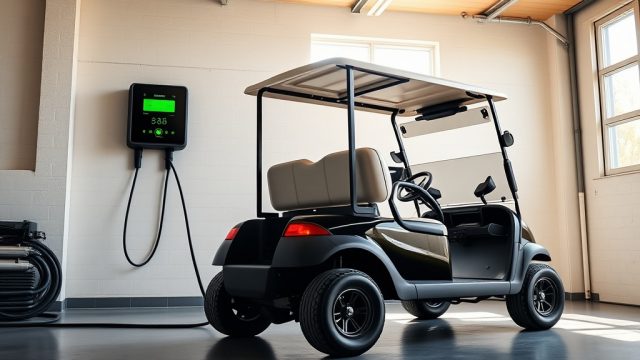
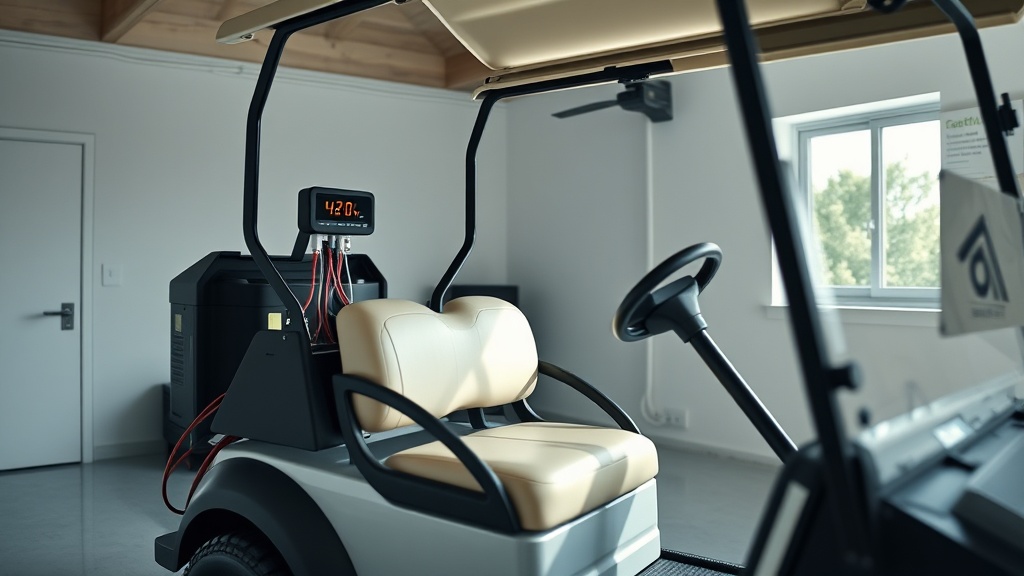
Most modern CartCraft chargers have automatic shut-off, but older units or faulty electronics can fail. Always use a charger rated for your battery voltage (typically 36V or 48V). If you suspect overcharging, check the charger output with a multimeter—anything above 46V for a 36V system indicates trouble.
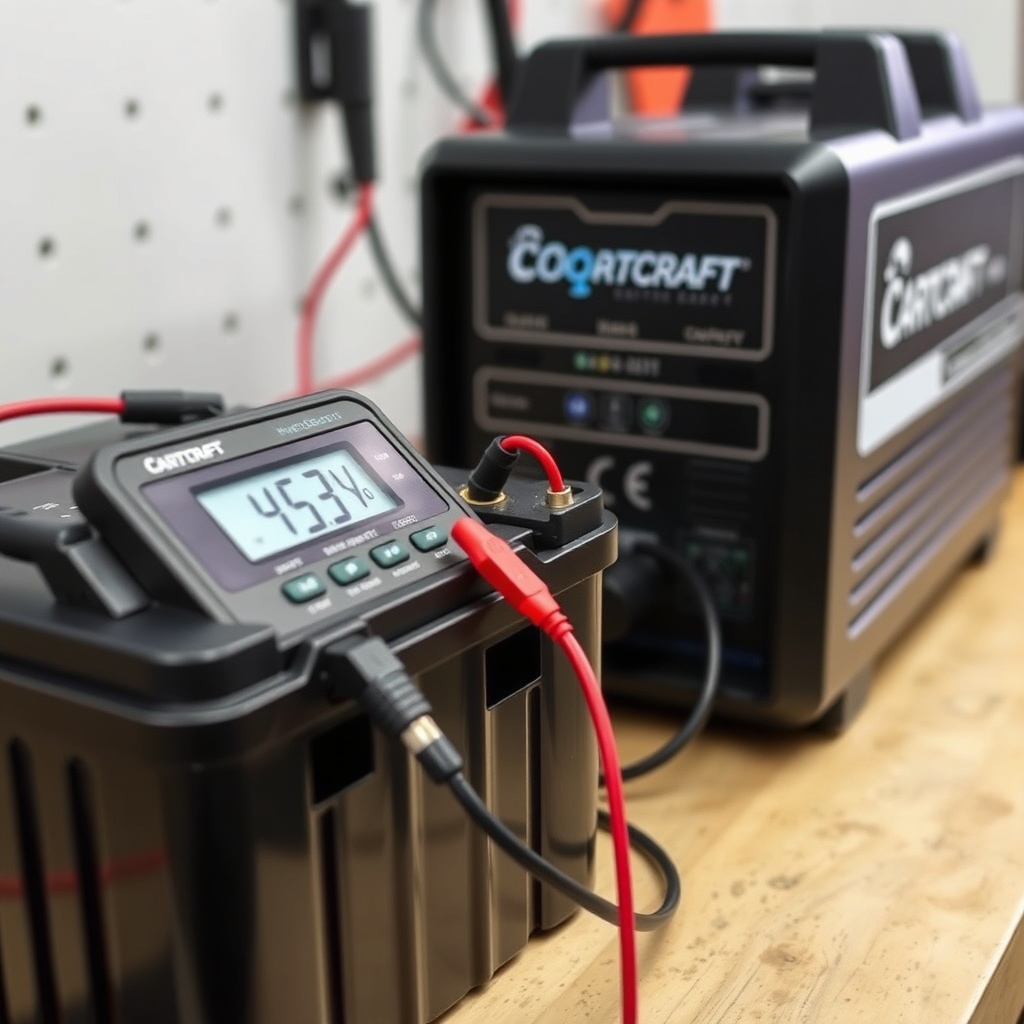
Can You Charge a CartCraft Battery in Freezing Temperatures?
Charging a lead-acid battery below freezing (0°C/32°F) is risky and inefficient. The chemical reaction inside the battery slows dramatically, meaning the charger may never detect a full charge, leading to chronic undercharging. Worse, if the electrolyte is frozen, charging can cause internal short circuits and permanent damage.
Recommended temperature range: Charge only between 10°C and 30°C (50°F to 86°F). If you must store the cart in a cold garage, use a temperature-compensating charger that adjusts output based on ambient temperature. For lithium-ion CartCraft models, the acceptable range is wider (0°C to 45°C), but still avoid charging below freezing.
Pro tip: If your CartCraft is parked outdoors in winter, bring the battery inside to charge at room temperature. Never place a frozen battery on a charger—thaw it slowly at room temperature for 24 hours first.
Why Does My CartCraft Charger Keep Shutting Off Early?
This frustrating issue—sometimes called “false full” or “premature termination”—usually has one of three causes:
- Voltage sensing failure: The charger thinks the battery is full when it isn’t, often due to a bad internal sensor or corroded connector.
- High internal resistance: Aged batteries develop higher resistance, tricking the charger into stopping early.
- Low electrolyte levels: If water levels are low, the battery can spike in voltage and trigger a false “full” signal.
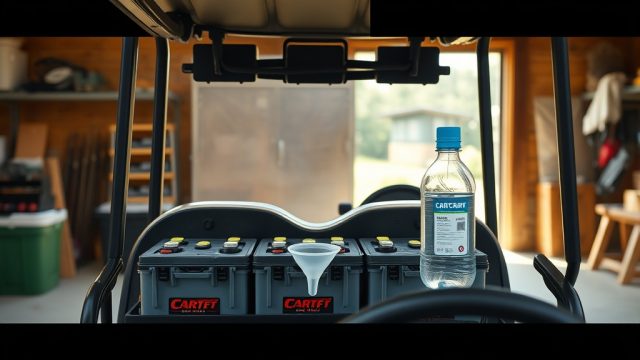
First, check electrolyte levels and top up with distilled water if needed. Then clean all connections with a baking soda/water solution. If the problem persists, test each battery with a hydrometer—any cell below 1.250 specific gravity likely needs replacement. You can learn more about proper water levels in our CartCraft Battery Water Maintenance: Essential Tips for Long Battery Life guide.
Should You Charge Your CartCraft After Every Use?
For lead-acid batteries, yes—this is the golden rule. Unlike lithium-ion, lead-acid batteries degrade fastest when left partially discharged. A discharged lead-acid battery will sulfate, forming permanent crystals on the plates that reduce capacity. Charging after every use keeps the battery in its “sweet spot” (above 70% state of charge).
For lithium-ion CartCraft models, the advice is slightly different: you can charge after every use, but it’s not mandatory. Lithium-ion batteries handle partial state of charge much better. However, never let them fully discharge—below 20% state of charge can trigger the battery management system (BMS) to lock out.
The table below shows charging frequency by battery type:
| Scenario | Lead-Acid | Lithium-Ion |
|---|---|---|
| After every use | Recommended | Optional (not harmful) |
| When battery is 50% or lower | Charge immediately | Charge within 24 hours |
| Storage for 30+ days | Charge to 100% | Charge to 50-80% |
| Storage for 6+ months | Charge monthly | Charge to 50% and check every 3 months |
Following this simple rule can add two years to your battery pack life, saving £300-£500 in premature replacement costs.
How to Avoid Connector and Cable Damage While Charging
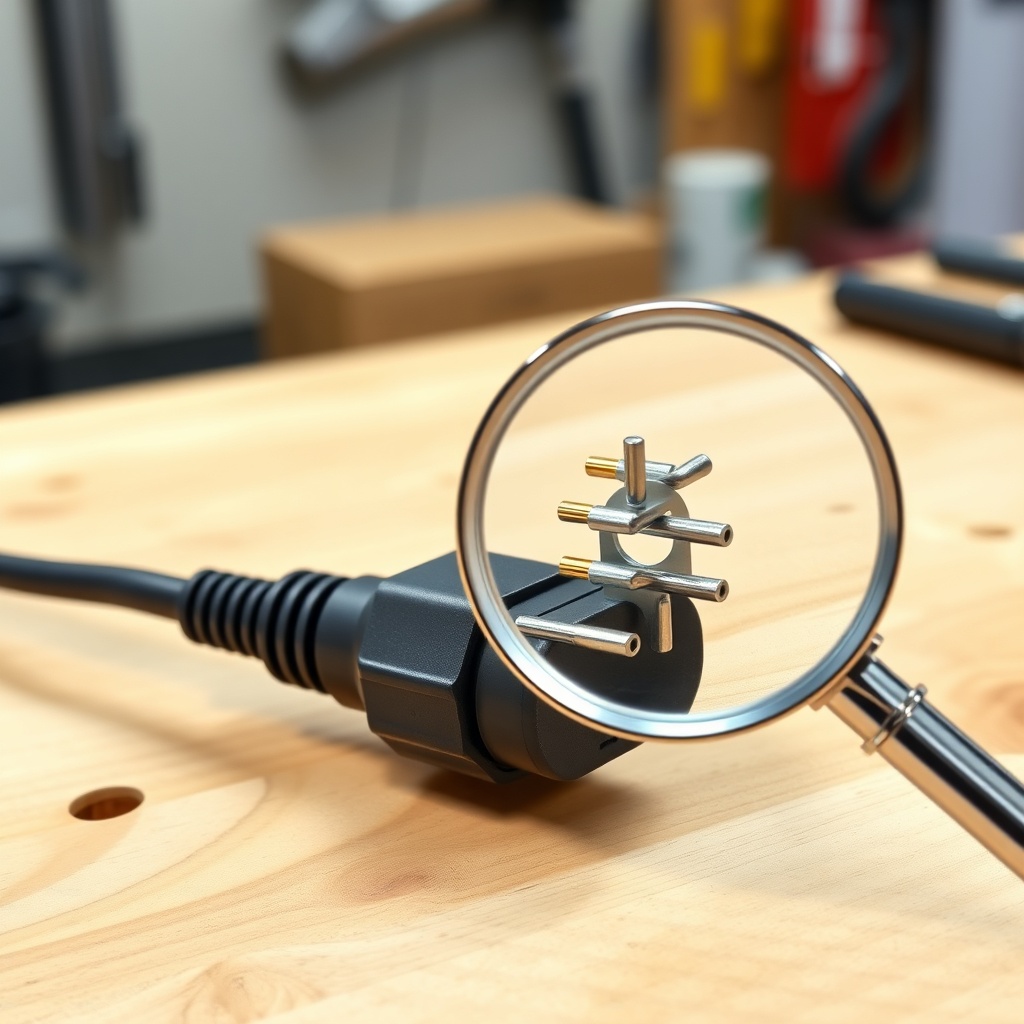
Charging connectors and cables are a common failure point on CartCraft golf carts. Damaged connectors cause arcing, overheating, and voltage drop, which leads to incomplete charging. Here’s what to check:
- Visual inspection: Look for melted plastic, bent pins, or corroded contacts on both the charger plug and cart receptacle.
- Connector seating: The plug should click firmly into place without excessive force. If it wobbles, replace the connector set.
- Cable condition: Inspect the entire charger cable length for cuts, kinks, or abrasion. Never charge with a frayed cable—it can cause short circuits.
- Receptacle cleanliness: Use a small wire brush to clean the cart side receptacle every three months. Apply dielectric grease to prevent corrosion.
If you’re unsure about the condition of your charging port, consider upgrading to a heavy-duty replacement. Many owners pair this with other electrical upgrades like a How to Install a Custom Steering Wheel on a CartCraft Golf Cart for a full personalisation project.
What Is the Proper Charging Procedure for New Batteries?
New CartCraft batteries require special care during the first five charge cycles. This “break-in” period ensures the plates form properly and achieve full capacity. Follow these steps:
- First charge: Use a fully automatic charger—don’t interrupt it. It may take 12-18 hours. Do not check the water level until after charging.
- First five cycles: Charge fully after every use, even partial use. This conditions the plates.
- Top-up water: Only add distilled water after the first charge, never before. Fill to 1/4 inch above the plates.
- Initial voltage check: After full charge, each battery should read 6.3-6.4V (for 6V batteries) or 12.7-12.8V (for 12V batteries).
Skipping the break-in procedure can cost you up to 20% of the battery’s potential lifespan. For more performance-related modifications, read our How to Upgrade the Clutch on a CartCraft for Better Performance guide.
What Owners Say
John, a golf course superintendent from Surrey, says: “I replaced my old batteries last year after reading the factory charging guide. But it wasn’t until I fixed the connector corrosion that my carts started lasting the full 18 holes again. A £15 connector saved me £600 in battery costs.”
Sarah, a private CartCraft owner in Kent, shares: “I used to charge every few days, but after reading about sulfation, I now plug in after every round. My 2019 batteries still show 85% capacity on the hydrometer. It’s made a huge difference.”
Mike from Yorkshire adds: “I installed a temperature-compensating charger after moving the cart to an unheated garage. Winter charging went from frustrating to flawless. I combined this with a CartCraft Suspension Upgrade Guide: Improve Ride Comfort and Handling for the perfect setup.”
Frequently Asked Questions
How long should I charge my CartCraft batteries?
Charge until the automatic charger turns off. Typically 6-12 hours for a fully discharged pack, but it varies by charger and battery type. Never manually extend the charging time.
Can I use a car battery charger on my CartCraft?
No. Car chargers are designed for starting batteries, not deep-cycle golf cart batteries. Use only a deep-cycle or golf cart-specific charger to avoid damage.
Why does my charger get hot during use?
Some heat is normal, but excessive heat (over 60°C/140°F) indicates a problem. Check for blocked ventilation, damaged components, or a failing charger. Replace if necessary.
What should I do if water overflows during charging?
Stop charging immediately. Overflowing indicates overfilling or overcharging. Clean the battery top with baking soda and water, then check water levels and charger operation.
How often should I replace the charger itself?
A quality automatic charger lasts 5-10 years. Replace it if it starts making unusual noises, failing to stop properly, or showing signs of physical damage. Upgrading when replacing your battery pack is recommended.
Do I need to disconnect the battery for winter storage?
For lead-acid, disconnect the negative terminal and charge fully. Store in a dry, temperature-stable location. For lithium-ion, store at 50% charge and check every three months. For suspension work during storage, see our How to Replace Brake Pads on a CartCraft Golf Cart guide.