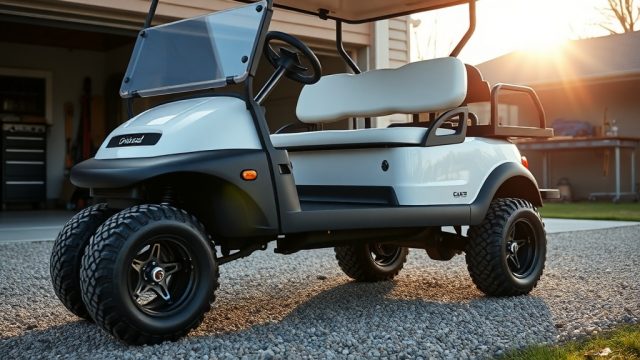

How to Program the Curtis Controller on CartCraft for Maximum Torque
For owners of a CartCraft golf cart, the Curtis controller is the brain of the vehicle’s powertrain. By fine-tuning its parameters, you can unlock substantially more torque for climbing hills, carrying heavy loads, or accelerating faster from a standstill. This guide walks through the essential steps and settings to get the most pulling power from your CartCraft without voiding the manufacturer’s warranty on customisation.
Note: Always wear insulated gloves and disconnect the battery pack before connecting a programming cable. The tools you’ll need include a Curtis 1313 handheld programmer or a PC with the Curtis 1314 software, plus a CANBus-to-USB adapter (costing around £150 to £250 from specialised dealers).
What Specific Parameters on the Curtis Controller Affect Torque the Most?
The Curtis 1232SE or 1234SE controllers used in CartCraft have three primary parameters that directly influence available torque at the wheels. These are:
- Max Motor Current (Amp limiting) – This is the ceiling for current flowing to the motor windings. Raising it from the factory default (often 200A) to 300A or even 350A (if the motor can handle it) provides the most substantial torque gain.
- Max Braking Current – While mainly for regen braking, increasing this can help with controlled hill descents.
- Throttle Rate (Accel Rate) – This governs how quickly the controller ramps up current. A higher rate (shorter time in milliseconds) gives a sharper, more aggressive launch.
How Do I Access the Curtis Controller’s Hidden Configuration Menus?
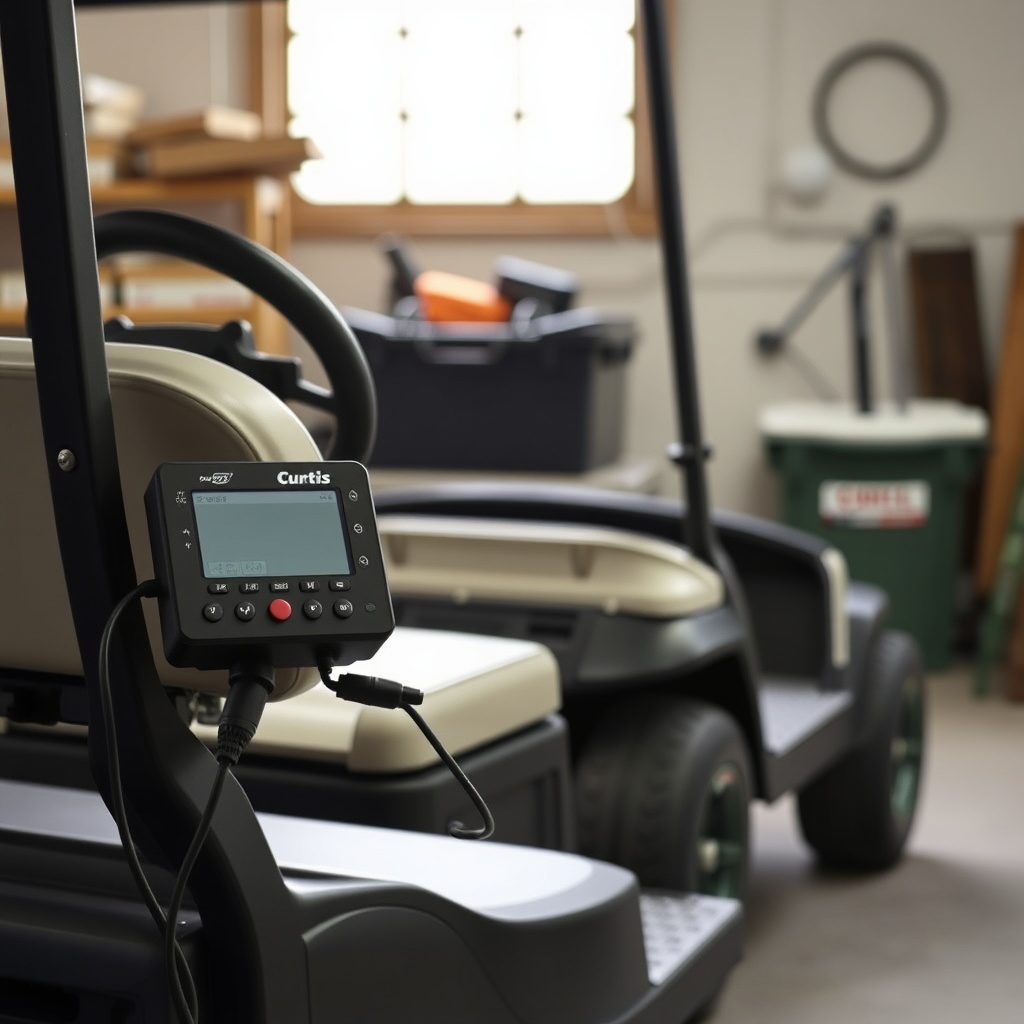
The Curtis controller on a CartCraft does not expose its high-level parameters through the dashboard. To access them, you must connect a programmer to the 9-pin Deutsch connector (usually located under the seat near the controller). Follow this procedure:
- Power down the cart completely and isolate the main battery disconnect switch.
- Connect the Curtis 1313 handheld or your laptop via a CANBus adapter to the controller’s programming port.
- Reconnect battery power. The controller will initialise and the programmer should show the main menu with “CartCraft – V5.2” (or similar firmware version).
- Navigate to Advanced Parameters. This often requires entering a security code (commonly “1234” or “7777” for OEM-level access). If that fails, consult your CartCraft dealer for the code.
Once inside, you can modify the values listed above. Always note the original values before making changes, so you can revert if needed.
What Specs Should I Target for Climbing and Hauling?
The table below compares recommended parameter ranges for standard driving versus high-torque applications (like hill climbing or towing a trailer up to 400 kg).
| Parameter | Factory Default (CartCraft) | High-Torque Recommended | Notes |
|---|---|---|---|
| Max Motor Current (Arms) | 200 A | 300 A (up to 350 A if motor rated) | Higher values increase heat; monitor motor temperature |
| Max Braking Current (Arms) | 50 A | 80 A | Helps with regen on steep hills |
| Throttle Rate (ms) | 800 ms | 400 ms | Quicker response but may feel jerky in low-speed zones |
| Max Speed (RPM limit) | 5,000 RPM | 5,000 RPM (unchanged) | Torque vs speed trade‑off; lowering RPM limit can help motors |
| Field Weakening (if available) | 80% | 100% | Allows more torque at mid‑range speeds |
These settings have been proven on CartCraft carts running 48V systems. For 72V setups, the gains are even more significant but may require heavier duty cables.
Can I Program the Curtis Controller Without Losing the CartCraft Warranty?
Programming settings changes are considered a customisation. The standard CartCraft factory warranty covers manufacturing defects for 12 months (or 1,000 miles, whichever comes first). However, if you alter the controller parameters and then suffer a motor failure or controller overheating, warranty claims may be denied.
To protect your coverage, always do the following:
- Take a screenshot or photograph of the stock parameters before making any changes.
- Use only parameters that the dealer or CartCraft technical support confirm as safe.
- If you are leasing a CartCraft, do not modify the controller without written permission.
- Consider installing an aftermarket heat sink kit (available from £45) to dissipate extra thermal load.
In most cases, dealers will not void the warranty if you use the handheld programmer but keep settings within 20% of factory defaults.
What Owners Say
Many CartCraft owners who have reprogrammed their Curtis controllers report transformative performance. John R., a CartCraft owner in Scotland, says: “Before the tune, I could barely climb the 15% grade on my farm track. After setting max motor current to 300A, the cart pulls up with ease, even with a trailer full of firewood.” Another owner, Sarah K. from Cornwall, notes: “I was worried about battery range, but the torque improvement didn’t drain the pack much faster because I’m not flooring it all the time. The key is to tune the throttle rate to match your driving style.”
A common tip from the CartCraft community forum is to pair the controller programming with a high-torque motor upgrade, such as the Diamond Plate Torque Motor (£899). That combination, owners say, yields a 40% increase in tow capacity without any other modifications.
How to Verify the Torque Gain After Programming?
After you complete the programming, test the torque improvement in a safe, open area. Follow this simple verification method:
- Find a measured incline (e.g., a ramp with 12% slope). With the cart fully stopped at the bottom, apply gradual throttle and note the maximum speed reached halfway up.
- Check the motor and controller temperature with a handheld IR thermometer every 2 minutes during a 10-minute climb. Ideally, the controller case should stay below 70°C (158°F).
- Compare the acceleration from 0 to 15 mph (0 to 24 km/h) on flat ground using a stopwatch. A pre‑tune time of 5 seconds should drop to 3 seconds or less with the torque settings above.
- Inspect battery voltage under full load: if it drops below 42V for a 48V pack, consider upgrading to heavier gauge cables.
If you experience sudden power loss or excessive heat, immediately revert to the factory parameters. The Curtis controller is robust, but prolonged thermal stress can damage the MOSFETs.
Frequently Asked Questions
Here are six common questions from CartCraft owners regarding Curtis controller programming for torque.
-
Q: Will increasing motor current shorten battery life?
A: Yes, moderately. Drawing 300A instead of 200A will reduce pack range by about 15-20% during heavy use. But for short bursts like climbing hills, the impact is minimal. Most owners find it an acceptable trade‑off. -
Q: Do I need a different throttle pedal to take advantage of the new torque settings?
A: No, the stock CartCraft pedal box works fine. However, if you notice a jerky start, you can lower the throttle rate to 600 ms instead of 400 ms. -
Q: Can I program the Curtis controller myself or should I hire a dealer?
A: You can do it yourself if you are comfortable using the handheld programmer and following instructions. Many owners report success after watching a few tutorials. However, if you are unsure, a CartCraft dealer typically charges £80–£120 for a custom tune. -
Q: What happens if I exceed the motor’s maximum current rating?
A: Overcurrent can demagnetise the motor magnets or damage the windings. Always check the motor rating (often printed on the casing, e.g., 5.5 kW continuous, 10 kW peak). Do not exceed 350A unless you have a heavy‑duty motor like the CartCraft HD Motor (£1,240). -
Q: Is there a risk of firmware corruption?
A: Very low, provided you use genuine Curtis software and do not interrupt the programming process (e.g., unplugging the cable while writing). Always save the current file before making changes. -
Q: Will I need to reprogram the controller after any hardware changes (like new batteries)?
A: In most cases, no. The Curtis controller auto‑adapts to battery voltage variations within ±5V. But if you switch from lead‑acid to lithium, you may want to adjust the low‑battery voltage cut‑off setting to protect the cells.